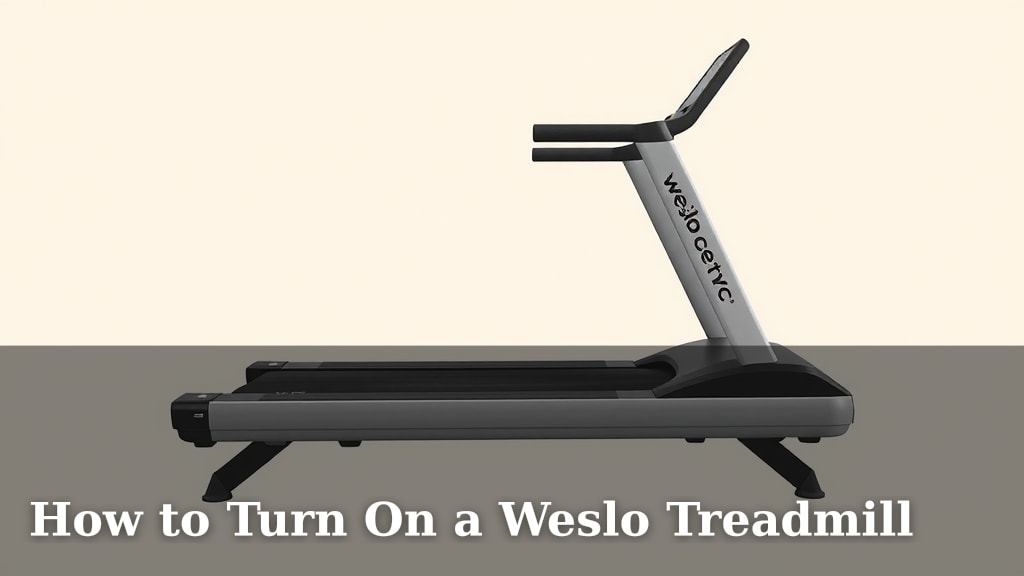
How to Turn On a Weslo Treadmill
Turning on your Weslo treadmill is pretty straightforward! You’ll usually find the power switch on the back near the motor cover. Flip that switch to the ‘on’ position, and then press the ‘Start’ button on the console to wake it up. You’re just a few steps away from your workout!
Once powered on, your Weslo treadmill console will light up, ready to accept your commands. You can then select your workout program or manually adjust speed and incline. It’s designed to get you moving without a lot of fuss, making your fitness routine more accessible. Remember to always check your user manual for your specific model’s nuances.
- Find the main power switch, usually on the rear.
- Flip it to the ‘on’ position.
- Press the ‘Start’ button on the console.
- Your treadmill is now ready for your workout.
Let’s walk through exactly how to get your Weslo treadmill up and running, step by step.
Getting Your Weslo Treadmill Ready to Go
So, you’ve got your Weslo treadmill, and you’re itching to get your workout started. The good news? Turning it on is usually a breeze! We’ll walk you through exactly what to do so you can start burning those calories without a hitch.
Locating the Power Switch
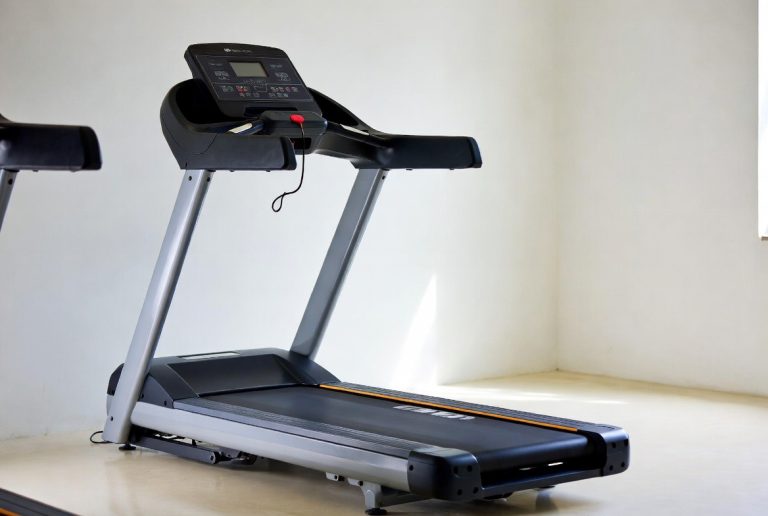
The first step is finding the main power switch. Most Weslo treadmills have this conveniently located at the rear of the machine. You’ll typically find it near the motor cover. It’s a simple on/off switch, often red or black.
Think of it like the main power button for your whole home entertainment system. You need to flip that main switch before anything else will light up.
Where to Look
Don’t worry if you don’t see it immediately. Take a peek around the back, near where the power cord plugs in. It’s usually pretty accessible. If you’re having trouble, your user manual is your best friend here. Every model can have a slightly different design.
Flipping the Switch to ‘On’
Once you’ve found the switch, the next move is simple: flip it to the ‘on’ position. You’ll often feel a satisfying click, letting you know it’s engaged. This step sends power from your wall outlet to the treadmill’s internal components.
This is the crucial step that brings the treadmill to life from a dormant state. Without this, pressing the ‘Start’ button on the console won’t do anything.
Waking Up the Console
With the main power on, your treadmill is powered, but it’s still resting. Now, you need to signal it to wake up and get ready for your command. This is where the ‘Start’ button on the console comes in.
This button is usually prominent, often green and clearly labeled. Pressing it is like telling your treadmill, “Okay, I’m here, and I’m ready to run!”
What to Expect Next
As soon as you press ‘Start,’ you should see the console light up. The display screen will illuminate, showing you basic information like speed, time, and distance. It’s now actively listening for your input, whether that’s selecting a pre-set workout or manually adjusting your settings.
| Step | Action | Location |
|---|---|---|
| 1 | Locate Main Power Switch | Rear of Treadmill |
| 2 | Flip Switch to ‘On’ | Rear of Treadmill |
| 3 | Press ‘Start’ Button | Console/Display Panel |
| 4 | Console Lights Up | Console/Display Panel |
Understanding the Console and Your Options
Once your Weslo treadmill is powered on and the console is active, you’ll see a variety of buttons and a display screen. This is your control center for everything related to your workout.
Navigating the Display Screen
The display screen is where you’ll get all the important feedback. You can usually see your current speed, the time elapsed, the distance covered, and sometimes calories burned. Many models also show your heart rate if you’re using the grip sensors.
Keep an eye on this screen! It’s your direct line of communication with the treadmill, telling you how well you’re doing.
Key Console Buttons Explained
You’ll find a range of buttons on your console. While they can vary slightly by model, most have common functions.
The ‘Start’ and ‘Stop’ Buttons
We’ve already talked about the ‘Start’ button. It gets the treadmill moving and the console active. The ‘Stop’ button, usually red and clearly marked, is your immediate way to halt the belt safely. It’s always good practice to use ‘Stop’ rather than just flipping the main power switch to end your workout.
Speed and Incline Controls
You’ll see buttons dedicated to adjusting your speed and incline. These are often marked with plus (+) and minus (-) symbols, or up and down arrows. Some models have quick-set buttons for common speeds like 2 mph, 3 mph, or 4 mph, which can be super handy when you’re already running.
Workout Programs
Many Weslo treadmills come with built-in workout programs. These are pre-set routines designed to challenge you in different ways, whether you’re aiming for endurance, interval training, or fat burn. Look for a button labeled ‘Program’ or ‘Workouts’ to browse your options.
Quick Start vs. Programmed Workouts
You have two main ways to begin: a quick start or a programmed workout. A quick start means you press ‘Start’ and then manually control the speed and incline as you go. This is great for when you know exactly what you want to do.
Choosing a programmed workout means you select one of the built-in routines. The treadmill will then automatically adjust speed and incline at various intervals, guiding you through the session. This is fantastic for variety and for pushing yourself outside your comfort zone.
Safety First: What to Keep in Mind
Before you even think about hitting that ‘Start’ button, it’s always wise to take a moment for safety. A few simple checks can prevent accidents and ensure a smoother experience.
Before You Power On
Make sure the area around your treadmill is clear. You don’t want any stray shoes, water bottles, or pets getting in the way when the belt starts moving. Also, ensure the treadmill is on a level, stable surface. This is essential for its proper function and your safety.
Many experts recommend placing a treadmill mat underneath the machine. This can help protect your floors and also reduce some of the noise and vibration (Cleveland Clinic).
Using the Safety Key
Most Weslo treadmills come with a safety key. This is a small, often red, clip that attaches to your clothing and plugs into the console. In the event of a fall, the key is designed to pull out, which will immediately stop the treadmill belt.
Always make sure the safety key is properly inserted before you start your workout. It’s a simple step, but it’s incredibly important for your personal safety.
Your First Few Steps
When you first press ‘Start’ and the belt begins to move, don’t immediately jump on at full speed! Start slow. Let the belt pick up a gentle pace, and then carefully step onto it. Get a feel for the speed before you increase it. This helps you acclimate to the machine’s movement.
Here’s a quick checklist to run through before you officially start your run:
- Is the treadmill on a level surface?
- Is the area around the treadmill clear?
- Is the safety key securely attached and plugged in?
- Have you checked that the power switch is in the ‘on’ position?
- Are your workout clothes and shoes appropriate?
Conclusion
You’re now well-equipped to power on your Weslo treadmill! Remember, it’s a simple two-step process: flip the main power switch at the back, then press the ‘Start’ button on the console. You’ve learned how to find these, what to expect when the console lights up, and even some key safety tips. Your fitness journey is just a button-press away. Make sure you’re always prepared before you begin your workout, and you’ll be well on your way to a great session.
Frequently Asked Questions
What if my Weslo treadmill doesn’t turn on after pressing ‘Start’?
First, double-check that the main power switch at the rear of the treadmill is firmly in the ‘on’ position. If it is, ensure the power cord is securely plugged into both the treadmill and a working wall outlet. You might also want to check your home’s circuit breaker to see if it has tripped.
Can I just unplug my Weslo treadmill when I’m done to turn it off?
While unplugging it will cut power, it’s not the recommended way to turn off your Weslo treadmill. Always use the ‘Stop’ button on the console first to safely bring the belt to a halt. Then, flip the main power switch at the rear to the ‘off’ position before unplugging. This ensures the treadmill powers down correctly.
Is the safety key required to turn on the treadmill?
No, the safety key isn’t needed to turn the treadmill on, but it’s absolutely essential for safe operation. You should always insert the safety key into the console before pressing the ‘Start’ button to begin your workout. This ensures it functions correctly in case of an emergency.
Where is the power switch if it’s not at the back?
While most Weslo treadmills place the main power switch at the rear near the motor cover, designs can vary slightly. If you can’t find it there, consult your specific user manual. It might be located on the base of the treadmill frame or possibly integrated more discreetly into the motor housing.
What should I do if the console screen stays blank after turning it on?
If the console remains blank after you’ve ensured the main power switch is on and the ‘Start’ button is pressed, there might be an issue with the console itself or the connection to the motor. Check that the cable connecting the console to the base is secure. If the problem persists, contacting Weslo customer support or a qualified technician is your next best step.