How to Start a ProForm Treadmill
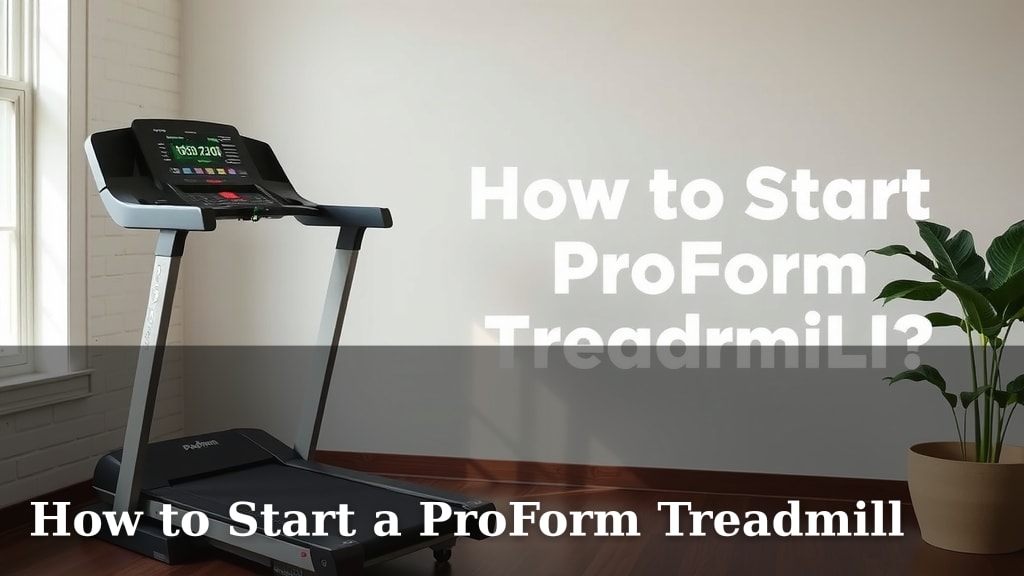
Starting your ProForm treadmill is quite straightforward. You’ll primarily need to plug it in, press the start button, and ensure it’s properly set up in its designated spot. For most models, this means connecting the power cord and allowing the console to boot up before beginning your workout.
Getting your ProForm treadmill ready for use involves a few basic steps. Proper placement is key for safety and smooth operation. We found that making sure the treadmill is level and has enough clearance around it prevents issues and enhances your overall experience. Think of it as setting the stage for your fitness journey.
- Plug in your treadmill.
- Locate the start button on the console.
- Ensure the treadmill is on a level surface.
- Check that there’s adequate space around the machine.
Ready to get moving? Let’s walk through the simple steps to power on your ProForm treadmill and begin your first workout.
Getting Your ProForm Treadmill Powered Up
So you’ve got your new ProForm treadmill. That’s fantastic! You’re probably eager to start your fitness journey. We’ve found that powering on your treadmill is a very simple process. It usually just takes a few clicks. Let’s make sure you’re ready to go in no time.
Setting the Stage: Placement and Power Connection
Before you even think about pressing a button, let’s talk about where your treadmill lives. Proper placement ensures safety and the longevity of your machine. Think of it like setting up a new piece of furniture. You want it to be stable and have room to breathe.
Finding the Perfect Spot
Your treadmill needs a good home. We recommend a flat, sturdy surface. Avoid placing it on carpet if possible. If you must, use a treadmill mat underneath. This prevents the machine from sinking unevenly. It also helps absorb some vibration.
Also, give your treadmill some personal space. You’ll need about six feet of clearance behind it. And at least two feet on either side. This ensures you have room to safely step on and off. It also allows for proper ventilation.
The All-Important Power Connection
Every ProForm treadmill needs electricity. Find the power cord. It’s usually located at the back of the machine. Plug one end firmly into the treadmill. Then, connect the other end to a dedicated wall outlet. We found that using a surge protector is a smart idea.
Why a surge protector? Your treadmill has sensitive electronics. A surge protector can help safeguard it from power fluctuations. This simple step could save you from a headache later on. Make sure the outlet is easily accessible. You’ll need to unplug it for maintenance.
Powering On Your ProForm Console
Once plugged in, your ProForm treadmill is almost ready. The console will likely boot up automatically. You might see a welcome screen or a ProForm logo. This process can take a minute or two. Be patient! It’s like your computer starting up.
Locating the Start Button
Now for the exciting part! Look at your treadmill’s console. You’ll see various buttons and a display screen. The start button is your key to beginning your workout. On most ProForm models, it’s a prominent button, often labeled “Start.” Sometimes it might have a play icon.
Some treadmills might have a specific sequence. We found that for many models, simply pressing the “Start” button is all you need. Others might require you to hold it for a second or two. Just give it a gentle press first.
Understanding Console Lights and Indicators
As the console powers up, you might see some lights. These are normal indicators. They show that the machine is receiving power and is ready. Don’t be alarmed if a few lights blink. It’s just the system checking itself.
The display will typically show a default speed and incline. Usually, it’s set to zero. This means your treadmill is in a safe, ready state. You’re not moving yet. You’re just poised for action!
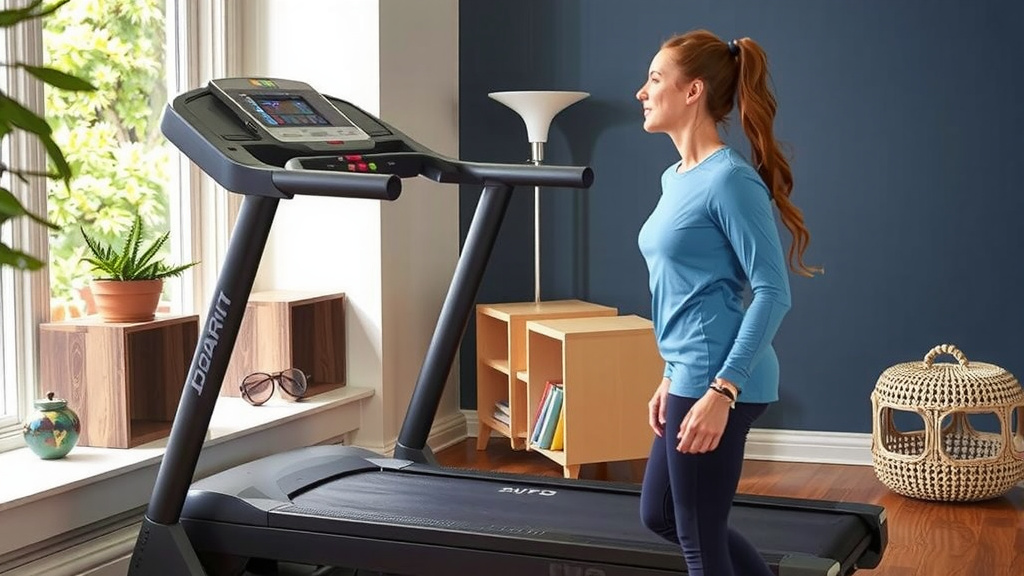
First Steps: Safety and Setup Before Your Workout
You’ve powered on the machine. Great job! But before you hop on, a couple of quick checks can make a big difference. These are small steps that contribute to a safe and effective workout.
The Safety Key: Your Best Friend
Almost every ProForm treadmill comes with a safety key. This is a red cord with a clip on one end and a key on the other. The key inserts into a small slot on the console. The clip attaches to your clothing.
What does it do? If you stumble or fall, the safety key pulls away from the console. This immediately stops the belt. It’s a critical safety feature. Always make sure it’s properly connected before you start running. Many experts recommend its use for all users (CDC).
Quick Console Familiarization
Take a moment to look at the console. You don’t need to be an expert. Just identify a few key buttons: “Start,” “Stop,” “Speed Up,” and “Speed Down.” You’ll likely see buttons for incline control too. Getting a feel for these now saves confusion mid-workout.
We found that spending just 60 seconds glancing at the layout can boost your confidence. You’ll know where to reach if you need to adjust speed or stop quickly. It’s like knowing where the fire extinguisher is before you need it.
Your First Treadmill Workout: A Simple Checklist
You’re all set! The treadmill is on, the safety key is in place. Now, how do you actually start moving? It’s simpler than you might think. We’ve put together a quick checklist to get you moving.
- Ensure the treadmill is plugged in and powered on.
- Attach the safety key to your clothing and the console.
- Locate and press the “Start” button.
- The belt will begin moving at a slow speed (usually 1 mph).
- Adjust speed and incline as needed using the console buttons.
Remember, you can always press the “Stop” button at any time. Or simply remove the safety key to halt the belt. There’s no pressure to go fast right away. Start slow and get a feel for the machine’s response.
| Control | Function | When to Use |
|---|---|---|
| Start | Begins belt movement and workout timer. | Press to begin your exercise. |
| Stop | Brings the belt to a complete halt. | Press to end your workout or pause. |
| Speed +/- | Increases or decreases the belt speed. | Adjust during your workout for intensity. |
| Incline +/- | Raises or lowers the front of the treadmill deck. | Mimics hills, increases workout challenge. |
| Safety Key | Emergency stop mechanism. | Always attached during use. |
We’ve seen many people get a little nervous before their first workout. That’s perfectly normal! Just remember your ProForm treadmill is designed for you. Start at a comfortable pace. Focus on your form. You’ve got this!
Conclusion
You’ve now got a clear roadmap to starting your ProForm treadmill. Remember, proper placement and a secure power connection are your first steps to a great workout. Always double-check that safety key before you press that start button! Your ProForm machine is ready to help you reach your fitness goals. So, take a deep breath, find your rhythm, and enjoy the journey. Your next workout is just a few simple steps away!
Frequently Asked Questions
My ProForm treadmill won’t turn on. What should I do?
First, ensure the treadmill is securely plugged into a functioning wall outlet. If you’re using a power strip, try plugging it directly into the wall. Also, check your home’s circuit breaker to make sure the outlet hasn’t tripped.
Can I place my ProForm treadmill on a carpeted floor?
While it’s best to use a hard, level surface, you can place it on carpet. We recommend using a treadmill mat underneath to provide a stable base and prevent the machine from sinking unevenly. This also helps absorb some vibration.
How do I know if my ProForm treadmill is level?
You can check if your treadmill is level by placing a small level on the deck. Adjust the treadmill’s feet until the bubble is centered. If the floor itself is uneven, a treadmill mat can also help compensate.
What’s the purpose of the safety key on my ProForm treadmill?
The safety key is a critical safety feature. If you trip or fall, the key detaches from the console, instantly stopping the treadmill belt. Always make sure it’s securely attached to both the machine and your clothing before starting any workout.
Do I need to do anything special after plugging in the treadmill before pressing start?
Once plugged in, allow the console a moment to boot up; you’ll typically see a welcome screen or logo. Before pressing start, make sure your safety key is attached. Then, locate and press the prominent “Start” button on the console.