How to Calculate METs on a Treadmill
You can easily calculate your METs on a treadmill by using your workout data. METs, or Metabolic Equivalents, help you understand the energy cost of exercise. Knowing your METs can help you track your progress and intensity. We’ll show you how to get this number quickly.
Understanding METs is key for fitness tracking. It’s a standard way to measure how hard your body is working. Many treadmills offer built-in features to help you. This calculation is simpler than you might think. It’s all about using the information your treadmill provides. We found that focusing on these key metrics really helps.
- METs measure exercise intensity.
- You can find METs on most treadmills.
- Use speed and incline for calculation.
- This helps you gauge calorie burn.
Ready to figure out your treadmill METs? Let’s walk through exactly how this works step by step.
So, you’re hitting the treadmill and wondering, “How do I actually figure out my METs?” It’s a great question! Knowing your METs tells you about the intensity of your workout. It’s a standardized way scientists measure exercise. More METs mean you’re working harder. Less METs mean a more relaxed pace. We’ll break down how to find this number using your treadmill’s features.
Figuring Out Your Treadmill METs Value
Calculating METs on a treadmill is surprisingly straightforward. You’ll primarily use the speed and incline settings. Most modern treadmills display this information for you. Let’s get started with the basics.
What Exactly Are METs?
MET stands for Metabolic Equivalent. Think of it as a ratio. It compares your energy expenditure during exercise to your resting energy expenditure. One MET is the energy your body uses while sitting quietly. So, a 4 MET activity means you’re burning four times the energy you would be at rest (CDC). This helps in comparing different activities. For example, walking briskly is often around 3.5 METs. Running at a moderate pace might be 8 METs.
Where to Find MET Information on Your Treadmill
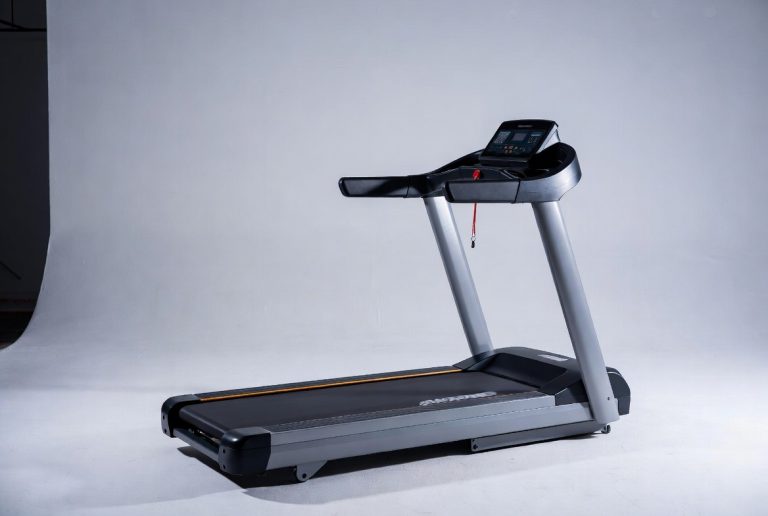
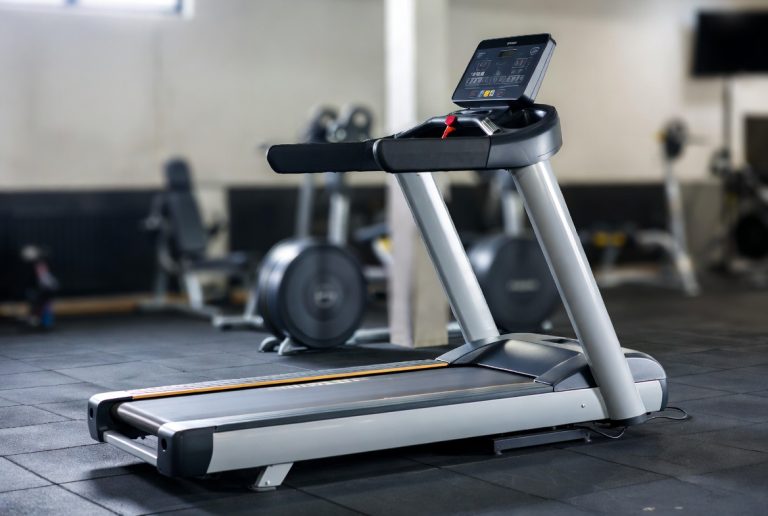
Many treadmills have a dedicated display for METs. Look for a label that says “METs,” “Metabolic Equivalent,” or sometimes just a number that seems to represent intensity. If you don’t see it directly, don’t worry! Your treadmill’s console usually shows speed and incline. You can use these numbers to find your METs. We found that paying attention to these displays is key.
Checking the Treadmill Display
Some treadmills will show your METs in real-time. It might be right there next to your speed, distance, or heart rate. If your machine has this feature, you’re golden! Just note the number during your workout. It’s the quickest way to know your intensity level. We found that this direct display is super helpful for tracking progress.
Using Speed and Incline for MET Calculation
When your treadmill doesn’t show METs directly, you can use your speed and incline. You’ll need a reference chart or a formula. Many fitness apps and websites offer these. They use your treadmill’s output to estimate METs. The general idea is that faster speeds and steeper inclines increase your MET value. Research has shown that these two factors are the biggest drivers of exercise intensity (NIH).
The Formula Approach (When No Direct Display Exists)
If your treadmill is more basic, you might need to do a little math. Don’t let that scare you! It’s usually a simple formula. You’ll plug in your speed and incline. A common formula used in research looks something like this: METs = (0.01 × speed) + (1.8 × speed × incline) + 3.5. Remember that speed is usually in miles per hour, and incline is a decimal (e.g., 5% incline is 0.05). We found that this formula provides a good estimate.
Example Calculation Walkthrough
Let’s say you’re walking at 3 mph with a 2% incline. Using the formula: METs = (0.01 × 3) + (1.8 × 3 × 0.02) + 3.5 METs = 0.03 + 0.108 + 3.5 METs = 3.638 So, your approximate METs for this workout segment would be around 3.6.
Online Calculators and Apps
Many people prefer not to do the math themselves. That’s perfectly fine! There are tons of free online MET calculators. You just input your treadmill settings: speed, incline, and sometimes your body weight. Many fitness trackers and apps can also do this for you. They often sync with your treadmill or allow manual entry. We found these tools make it very easy to get accurate MET values.
Putting Your Treadmill METs to Work
Once you know your METs, what do you do with them? They’re a fantastic tool for understanding your workouts. You can track how hard you’re pushing yourself. Comparing METs from different workouts helps you see your progress. Did your usual walk feel easier today? Maybe your METs are higher because you increased the incline or speed.
Estimating Calorie Burn
METs are directly related to calorie expenditure. A simple formula for estimating calories burned is: Calories burned per minute = (METs × body weight in kg × 3.5) / 200. Remember to convert your weight to kilograms if needed (1 kg = 2.2 lbs). This formula gives you a good idea of your energy output. It’s not exact, but it’s a widely used method (Mayo Clinic).
Tracking Workout Intensity Over Time
Using METs helps you stay in your target training zones. For example, moderate-intensity exercise is typically in the 3 to 6 MET range. Vigorous activity is generally above 6 METs. By monitoring your METs, you ensure you’re working out effectively for your goals. Did you aim for a moderate session but your METs show it was vigorous? You might need to adjust your speed or incline next time.
A Quick METs Checklist for Your Next Treadmill Session:
- Find the METs display or note your speed and incline.
- If no direct display, decide if you’ll use a formula or an online calculator.
- Record your body weight if estimating calorie burn.
- Note your METs at different points during your workout.
- Compare METs between different treadmill sessions.
- Adjust your speed and incline to reach your target MET levels.
Using METs for Fitness Goals
Whether your goal is weight loss, improved cardiovascular health, or simply staying active, METs provide a benchmark. They help you quantify your effort. This can be very motivating! Seeing your METs increase over time shows you’re getting fitter and stronger. It’s like giving your hard work a measurable score.
Conclusion
You’ve learned how to easily figure out your METs on the treadmill! Whether your machine shows it directly or you use a simple formula, understanding METs helps you track your workout intensity. This knowledge lets you see how hard you’re truly working and how your fitness is improving. You can even estimate your calorie burn more accurately. For your next treadmill session, make it a habit to note your METs. This simple step will guide you toward more effective and goal-oriented workouts.
Frequently Asked Questions
Do all treadmills show METs?
Not all treadmills have a direct METs display. Many modern machines do, but if yours doesn’t, you can still calculate it. You’ll need to use your treadmill’s reported speed and incline settings to find your MET value.
What’s the easiest way to calculate METs if my treadmill doesn’t show them?
The easiest method is typically using a free online MET calculator. These tools are designed to be user-friendly. You just input your treadmill’s speed, incline, and sometimes your body weight, and they provide your METs.
How does incline affect my METs?
Incline plays a big role in your METs. Steeper inclines increase the workload on your body. This means that at the same speed, a higher incline will result in a higher MET value, indicating greater exercise intensity.
Can I use my METs to compare treadmill workouts to outdoor running?
Yes, METs are a standardized measure, so they are useful for comparison. A MET value from your treadmill workout can give you a general idea of the intensity of an outdoor activity with a similar MET rating. However, outdoor conditions can add other variables.
How often should I check my METs during a workout?
It’s helpful to check your METs at different points. If you’re changing your speed or incline, note the METs then. This lets you see how specific adjustments impact your intensity in real-time and helps ensure you stay within your target training zones.