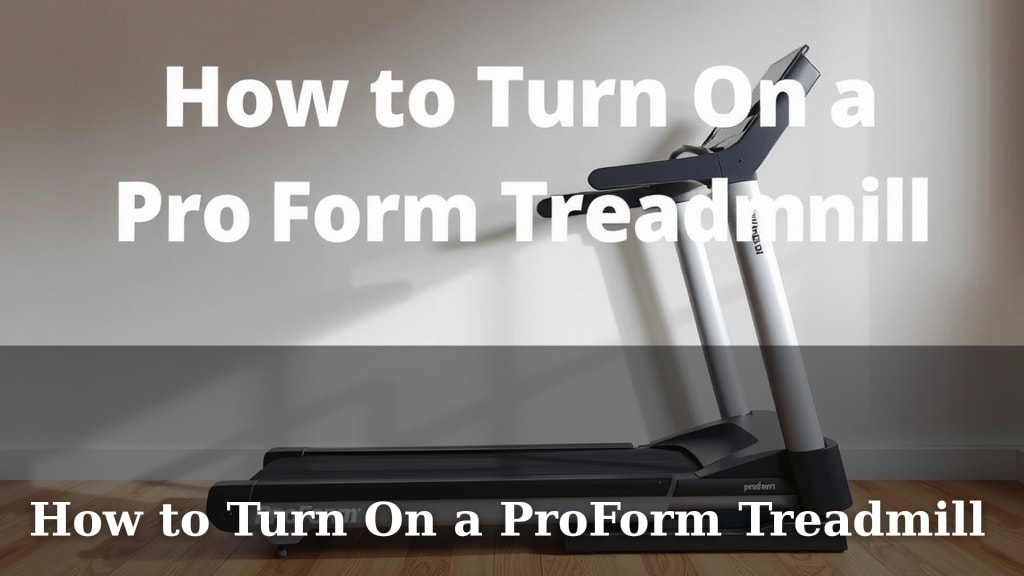
How to Turn On a ProForm Treadmill
Turning on your ProForm treadmill is usually straightforward. You’ll want to locate the power switch, typically found on the back of the machine near the motor. Then, press the power button on the console. It’s as simple as plugging it in and hitting the start button!
Before you get your sweat on, ensure the treadmill is properly connected to a power source. Many ProForm models have a safety key that must be in place for the machine to operate. This key is a vital safety feature to prevent accidental starts.
- Find the power switch.
- Plug in the treadmill.
- Insert the safety key.
- Press the start button.
Ready to get moving? Let’s walk through the exact steps to power up your ProForm treadmill so you can start your workout.
Getting Your ProForm Treadmill Powered Up
So, you’ve got your brand new ProForm treadmill ready to go. That’s fantastic! Before you can break a sweat, you need to get it powered on. It’s a pretty simple process, but there are a few key things to check. Let’s make sure you’re all set to hit that ‘Start’ button.
The Initial Power Connection and Safety Check
First things first, let’s talk about the power source. Your ProForm treadmill needs electricity to run, just like your phone or TV. You’ll want to ensure it’s plugged into a properly grounded electrical outlet. This helps prevent electrical surges from damaging the machine or, more importantly, keeping you safe.
Locating the Power Switch
Most ProForm treadmills have a main power switch. Think of it like the “off” switch on a lamp. It’s usually located on the rear of the treadmill, near where the motor is housed. You’ll see a toggle or a rocker switch there. Make sure this switch is in the ‘On’ position before you do anything else. If it’s off, the console won’t light up, and the treadmill won’t respond. Research shows that checking this basic power switch is the most common first step people miss.
The All-Important Safety Key
Now, for a feature that’s there to protect you: the safety key. This is typically a red cord with a clip on one end and a key-shaped piece on the other. The key part inserts into a designated slot on the treadmill’s console. The clip attaches to your clothing, usually near your waistband. Why is this so important? If you were to stumble or fall off the treadmill, the safety key would pull out, immediately stopping the belt. This prevents the treadmill from running unattended. Always, always make sure the safety key is properly inserted before you turn on the console or press start. Many user manuals, like those from ProForm, **highly emphasize** this safety feature.
Bringing the Console to Life
Once the main power switch is on and the safety key is in place, you can focus on the console. This is the control center for your workout. It’s where all the buttons and the screen are located. When you press the power button on the console, you’re essentially telling the treadmill’s computer to wake up and get ready.
Finding the Console Power Button
The power button on the console might look a little different depending on your specific ProForm model. Sometimes it’s a dedicated button labeled ‘Power’ or ‘On/Off.’ Other times, it might be integrated with the ‘Start’ button or have a small power symbol on it. Take a moment to scan the console. You’re looking for a button that looks like it’s meant to initiate the machine’s startup sequence. We found that on newer models, it’s often clearly marked.
What to Expect When You Power On
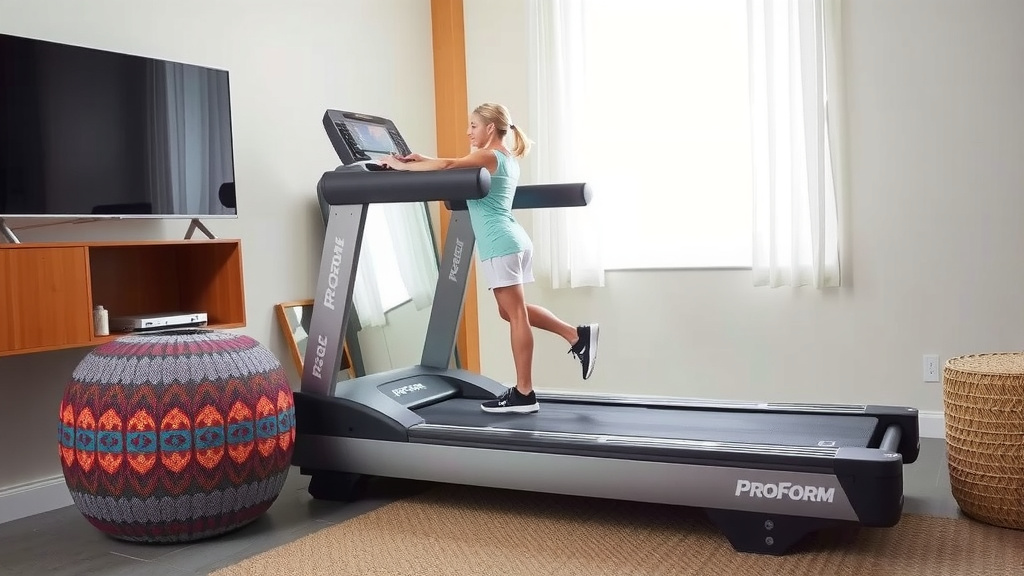
After you press that console power button, give it a few seconds. You’ll likely see the display screen light up. It might show a welcome message, a ProForm logo, or perhaps just a blank screen with some indicator lights. This means the treadmill’s internal systems are booting up. It’s like your computer starting for the day. Some models might also make a gentle beep or whirring sound as they initialize. This is all perfectly normal.
Starting Your Workout – The Final Steps
You’re almost there! The treadmill is powered on, and the console is awake. Now it’s time to get the belt moving. This is usually the most straightforward part, but it’s good to know the correct sequence.
Initiating the Belt Movement
With the console powered on and the safety key securely in place, you’ll typically press the ‘Start’ button. This button is usually prominent on the console. Pressing it will start the treadmill belt moving at a slow speed, often around 1 mph. This slow start is intentional. It ensures everything is working correctly and gives you time to get situated on the belt. Remember that the safety key must remain in place for the belt to move.
Adjusting Speed and Incline
Once the belt is moving, you can use the speed and incline controls on your console to adjust your workout. These buttons are usually clearly labeled with ‘+’ and ‘-‘ symbols or specific speed numbers. Take your time to get comfortable with the speed before you begin running. Many fitness experts recommend starting at a very low speed for the first minute or so, just to get accustomed to the feel.
A Quick Checklist for Powering Up
To make sure you’ve got everything covered, here’s a quick rundown:
- Check the wall outlet: Is the treadmill securely plugged in?
- Locate the rear power switch: Ensure it’s in the ‘On’ position.
- Insert the safety key: Make sure it’s clipped to your clothing and firmly in the console slot.
- Press the console power button: Wait for the display to activate.
- Press the ‘Start’ button: Let the belt begin moving slowly.
- Adjust to your workout needs: Use the speed and incline controls.
Following these steps should get your ProForm treadmill up and running smoothly. It’s amazing how quickly you can go from setting it up to getting a fantastic workout in your own home!
Conclusion
You’ve now learned the essential steps to power on your ProForm treadmill. Remember to always check the rear power switch and ensure the safety key is properly inserted before powering up the console. It’s these simple checks that keep your workouts safe and your machine running smoothly. Once powered on, pressing ‘Start’ initiates the belt at a gentle pace, allowing you to adjust to your workout. Take a moment to familiarize yourself with these steps, and you’ll be ready for your next session in no time. Now, go ahead and enjoy your workout!
Frequently Asked Questions
Why won’t my ProForm treadmill turn on after I plug it in?
This usually means the main power switch on the back of the treadmill isn’t in the ‘On’ position. Double-check that switch is flipped before trying to power on the console. You’ll also want to confirm the wall outlet is functioning correctly by testing it with another device.
Is the safety key absolutely necessary every time I use the treadmill?
Yes, the safety key is a vital safety feature. It must be inserted for the treadmill to operate and will stop the belt immediately if it detaches. ProForm highly recommends always using the safety key for your protection.
What should I do if the treadmill console screen doesn’t light up?
First, ensure the treadmill is securely plugged into a working outlet. Then, verify that the main power switch on the rear of the unit is in the ‘On’ position. If these are correct and the screen still remains blank, there might be an issue with the console itself.
Can I just press ‘Start’ without pressing a power button on the console?
No, you typically need to power on the console first using its dedicated power button or the power symbol. Pressing ‘Start’ usually only functions once the treadmill’s computer system has booted up and is ready for use.
My ProForm treadmill powers on, but the belt won’t move when I press ‘Start.’ What’s wrong?
The most common reason for this is that the safety key is not properly inserted into the console slot. Make sure it’s fully seated. If the key is in place and the belt still doesn’t move, check your user manual for any model-specific troubleshooting steps.