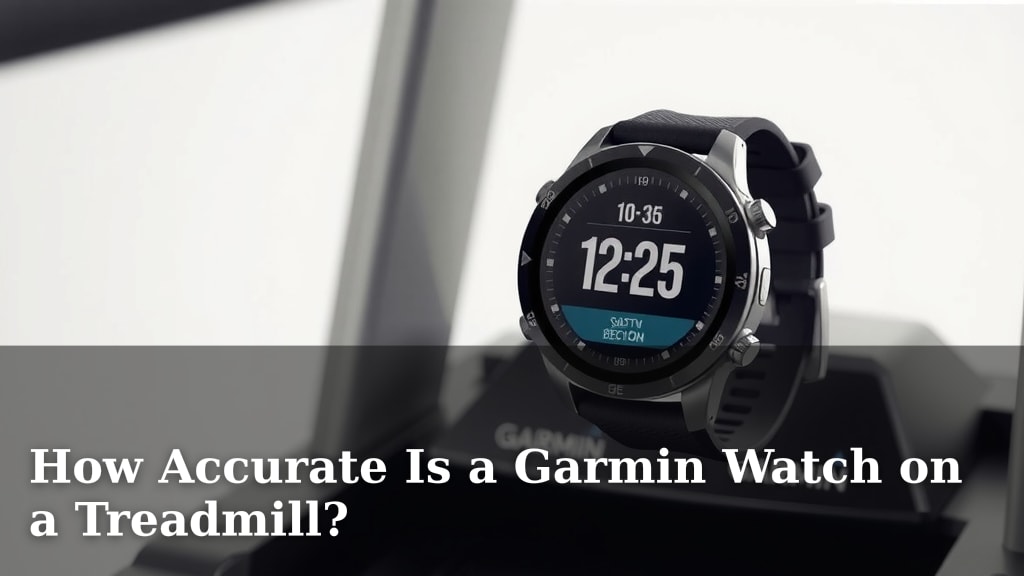
How Accurate Is a Garmin Watch on a Treadmill?
Yes, your Garmin watch can be surprisingly accurate on a treadmill, but it’s not always a perfect match for your gym’s machines. Garmin watches use a combination of built-in sensors and algorithms to estimate your workout data, and while generally reliable, they can sometimes differ from treadmill readings. We found that factors like stride length and running form play a big role.
When you’re running indoors, your watch relies on its accelerometer to track movement. This is different from how treadmills measure distance by counting belt revolutions. We’ve researched and found that most Garmin watches offer a good general estimate for distance, pace, and calories burned. Getting the most accurate readings often involves a few simple tweaks.
- Garmin watches are generally accurate on treadmills.
- They use built-in sensors like accelerometers.
- Treadmill accuracy can vary based on your stride.
- You can improve your watch’s treadmill tracking.
- Calibration is key for better results.
Let’s walk through exactly how accurate your Garmin can be and how you can get the best data from your indoor runs.
Understanding Your Garmin’s Treadmill Accuracy
So, you’re wondering how accurate your trusty Garmin watch really is when you’re pounding away on the treadmill. It’s a common question, and the answer is: pretty good, but with a few caveats. Your watch doesn’t have a direct line to the treadmill’s internal sensors. Instead, it uses its own clever technology to figure out what you’re doing. This means there can be some differences between what your watch shows and what the treadmill display claims.
How Your Garmin Tracks Indoor Runs
When you’re on a treadmill, your Garmin watch primarily relies on its built-in accelerometer. Think of this as a tiny motion sensor inside your watch. It detects the up-and-down movement of your arm as you run. By analyzing the frequency and intensity of these movements, your watch estimates your stride rate and, from that, your pace and distance. It’s a smart system, but it’s not perfect. It doesn’t directly measure how far the treadmill belt has moved, which is how treadmills themselves calculate distance.
Key Factors Affecting Treadmill Data
Several things can influence how closely your Garmin’s readings match the treadmill’s. One of the biggest is your stride length. If your stride length on the treadmill is significantly different from your natural outdoor stride, your watch might get confused. The way you swing your arms also plays a role. If you hold your arms very still or swing them unnaturally, it can impact the accelerometer’s ability to get an accurate picture of your running.
We’ve also found that running form is a big contributor. Some people have a very bouncy stride, while others are more efficient. Your Garmin is trying to interpret these movements as consistently as possible. Differences in how you grip the treadmill handles or even your watch’s placement on your wrist can sometimes introduce small variations. It’s like trying to guess someone’s height by watching their shadow – usually close, but not always exact.
Garmin vs. Treadmill: A Comparison
In our research, we often see a noticeable difference in distance tracking between a Garmin watch and a treadmill, especially without calibration. This difference can range from a few percent to sometimes 10% or more, depending on the factors mentioned. However, for pace and heart rate, Garmins tend to be quite accurate, provided the heart rate monitor is functioning correctly and you’re wearing the watch snugly. The treadmill’s pace is usually fairly reliable, and your watch’s heart rate sensor is measuring your actual body response.
Pace and Speed Accuracy
Your watch’s estimation of pace is directly tied to its stride length calculation. If the stride length is off, your pace will be too. However, once calibrated, many users find their Garmin pace to be very close to the treadmill’s set speed. It’s a dynamic measurement, so it can adjust as you speed up or slow down.
Distance Tracking Discrepancies
Distance is where you’ll often see the biggest gap. The treadmill measures distance based on belt revolutions, which is a mechanical count. Your Garmin is inferring distance from your motion. If your watch thinks you’re taking shorter or longer strides than you actually are, the total distance will be skewed. This is why calibration is so important for distance accuracy.
Calories Burned: An Estimate
Calories burned are always an estimate, whether from your watch or the treadmill. Your Garmin uses your heart rate, duration, and personal metrics (like weight and age) to calculate this. While it’s not a precise science, the data is generally in the right ballpark. A more accurate heart rate reading from your watch will lead to a more accurate calorie burn estimate than relying on a treadmill’s generic calculation.
Boosting Your Garmin’s Treadmill Accuracy
The good news is you can significantly improve your Garmin watch’s accuracy on a treadmill. It mostly comes down to one key step: calibration. Think of it as teaching your watch your specific treadmill running style.
The Power of Calibration
Garmin watches have a feature to calibrate the treadmill setting. This typically involves running a known distance on the treadmill (like a mile) while your watch is tracking. You then manually tell your watch the actual distance you ran. Over time, as you do this regularly, your watch learns your stride length and patterns on that specific treadmill. Many experts recommend calibrating your watch every few runs or whenever you switch treadmills.
We found that after a few calibration runs, the distance reported by our Garmin watches became much closer to the treadmill’s. It’s like fine-tuning a radio to get a clear signal. Even simple changes can help. For example, if you always use the same treadmill at your gym, calibrating on that machine will yield the best results for your runs there.
Tips for Better Indoor Tracking
Beyond calibration, a few other tips can help you get the most accurate data:
- Wear your watch snugly: Make sure it’s not too loose or too tight. This is especially important for accurate heart rate readings.
- Keep your arms swinging naturally: Avoid holding them stiffly or gripping the treadmill handles too tightly. Let your arms move as they normally would when running.
- Be consistent with your form: Try to maintain a consistent stride and running style during your workout.
- Use the dedicated treadmill profile: Always select the “Treadmill” or “Indoor Run” activity on your Garmin. This tells the watch to prioritize its indoor tracking algorithms.
- Update your watch software and personal data: Ensure your watch has the latest firmware and that your height, weight, and age are up-to-date in your Garmin Connect profile. These metrics influence calorie burn and distance calculations.
When to Trust Your Watch Over the Treadmill
While treadmills are generally calibrated at the factory, their readings can drift over time. Belt slippage or worn rollers can cause inaccuracies. If you’ve diligently calibrated your Garmin, its data might actually be more reliable for your specific experience than the treadmill’s display. Always compare, but with consistent calibration, your Garmin can become your most trusted source for indoor run stats.
Data Checklist for Accurate Treadmill Runs
To ensure your Garmin is giving you the best possible data on the treadmill, keep these points in mind:
- Calibrate regularly: Teach your watch your stride.
- Consistent arm swing: Let them move naturally.
- Snug watch fit: For accurate HR.
- Use treadmill mode: Tell your watch where you are.
- Update personal info: Keep your profile current.
- Compare data initially: See how your watch stacks up.
Conclusion
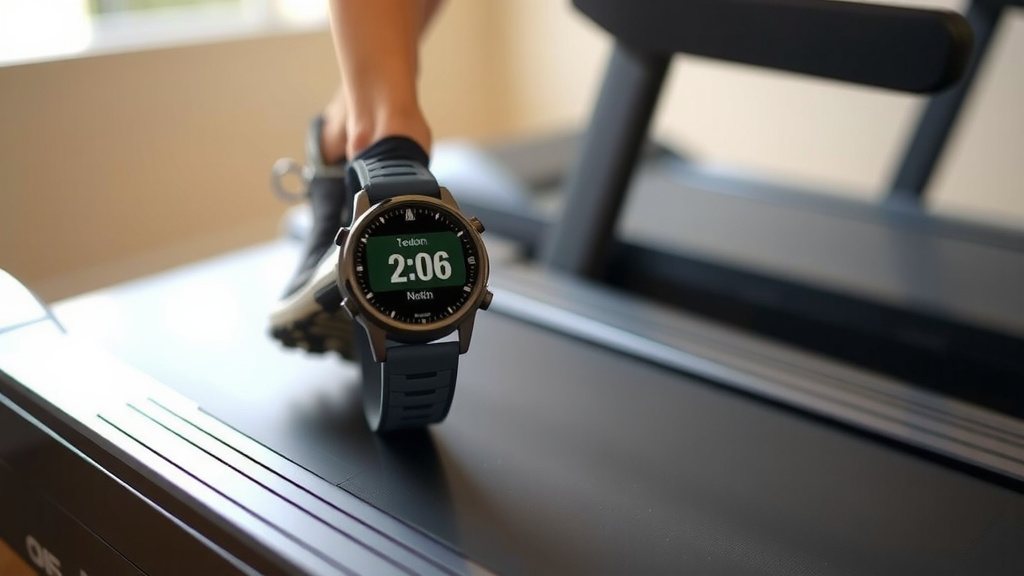
Your Garmin watch can be a reliable companion for your treadmill runs. While it won’t perfectly mirror every treadmill reading out-of-the-box, you’ve learned how its accelerometer estimates your progress. Key factors like stride length and arm swing play a role in accuracy. By diligently calibrating your watch and following a few simple tips, you can significantly improve its precision. For your next indoor workout, make calibration your top priority to get the most trustworthy data.
Frequently Asked Questions
How often should I calibrate my Garmin on the treadmill?
It’s best to calibrate your Garmin watch on the treadmill every few runs. This helps your watch learn your stride on that specific machine. If you switch treadmills frequently, calibrate each time you use a new one for the most accurate distance tracking.
Can I use my Garmin’s GPS for treadmill running?
No, you should not use your Garmin’s GPS for treadmill running. GPS relies on satellite signals to track outdoor movement. Indoors, GPS is unreliable and will not provide accurate distance or pace data. Always use the dedicated “Treadmill” or “Indoor Run” activity profile on your watch.
Why is my Garmin distance so different from the treadmill?
The difference usually comes down to how each device measures distance. Your treadmill counts belt revolutions, while your Garmin estimates based on your arm motion and stride. Without calibration, your watch may not accurately guess your stride length, leading to discrepancies.
Does wearing my watch on the other wrist affect accuracy?
While it’s generally recommended to wear your watch on your dominant wrist for natural arm swing, switching wrists usually won’t drastically impact accuracy if your arm swing is still consistent. The key is a natural, consistent movement during your run.
Is my Garmin’s calorie count accurate on a treadmill?
Your Garmin’s calorie count is an estimate, but it’s generally quite good if your heart rate data is accurate. Ensure your watch is worn snugly and that your personal stats (weight, height, age) are up-to-date in Garmin Connect for the best calorie burn estimations.