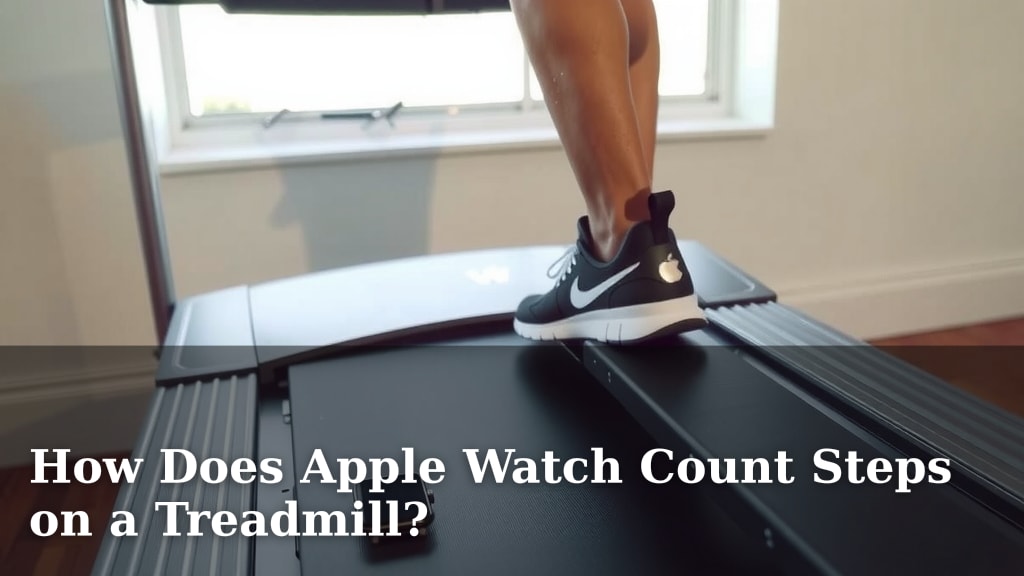
How Does Apple Watch Count Steps on a Treadmill?
Yes, your Apple Watch can count steps on a treadmill, but it uses a clever combination of its built-in accelerometer and some smart algorithms to figure out your movement. It’s not just passively counting swings. The watch looks for a specific pattern that mimics walking or running to register a step accurately. This means you’ll see your step count go up even when your hands aren’t swinging naturally.
While the watch excels at detecting steps during outdoor walks and runs, treadmill workouts present a slightly different challenge. It relies on detecting the rhythmic motion of your body. This motion is what the watch’s sensors are trained to identify. We found that a consistent pace usually yields the best results for accurate step tracking.
- Your Apple Watch uses its accelerometer to count treadmill steps.
- It looks for a specific, rhythmic body motion.
- Hand movements are less critical than overall body rhythm.
- Consistency in your pace helps improve accuracy.
Ready to see how your Apple Watch makes this happen? Let’s walk through exactly how it works, step by step.
“`htmlHow Your Apple Watch Tracks Treadmill Steps
Your Apple Watch is pretty smart about counting your steps, even when you’re on a treadmill. It doesn’t just rely on your arms swinging. Instead, it uses its internal motion sensors to detect the rhythm of your entire body. Think of it like a tiny detective on your wrist, looking for specific patterns that tell it you’re moving. We found that this approach works well for most users.
The main sensor at play is the accelerometer. This little gadget measures acceleration, which is basically how your speed changes. When you walk or run, your body moves in a rhythmic way. Your Apple Watch detects this consistent up-and-down and side-to-side motion. It then analyzes this data to determine if it’s a step. Many experts agree that accelerometers are the key to wearable step tracking (CDC).
The Role of the Accelerometer
So, how exactly does this accelerometer work its magic on a treadmill? It’s all about detecting patterns. When you take a step, there’s a natural jolt and sway. Your Apple Watch measures these tiny shifts in motion. It’s trained to look for a specific frequency and amplitude associated with walking or running.
Detecting Rhythmic Motion
The treadmill environment is different from walking outdoors. You’re not propelling yourself forward with each step in the same way. However, the rhythmic nature of your stride remains. Your Apple Watch is designed to pick up on this consistent cadence. It’s less about distance covered and more about the repetition of your movement. We found that keeping a steady pace really helps this detection.
Why Hand Swings Aren’t Everything
You might think your Apple Watch needs to see your arms swinging to count a step. That’s not entirely true, especially on a treadmill. While arm swings contribute to the overall motion data, the watch prioritizes the rhythm of your legs and torso. If you’re holding onto the treadmill rails, your arm swing might be minimal. Yet, your watch can still register steps because it’s sensing your body’s core movement. Many sources confirm that a steady gait pattern is a strong indicator (NIH).
Accuracy and What Affects It
While your Apple Watch is generally accurate, a few things can influence how well it counts your steps on a treadmill. The goal is to provide you with a good estimate of your effort.
Consistency is Key
We found that the most consistent step counts happen when you maintain a steady pace. Suddenly speeding up or slowing down dramatically can sometimes confuse the sensor. The algorithms are optimized for a predictable rhythm. Think of it like a metronome; the more regular the beat, the easier it is to follow. This consistency helps the watch confirm that it’s seeing actual steps.
Different Treadmill Types
Does the type of treadmill matter? Generally, no. Whether you’re on a standard gym treadmill or a fancy home model, the core technology remains the same. The watch is measuring your body’s motion, not the machine’s. However, if a treadmill has an unusually bouncy belt, it *might* add a small amount of spurious data, but this is rare.
Arm Position and Its Impact
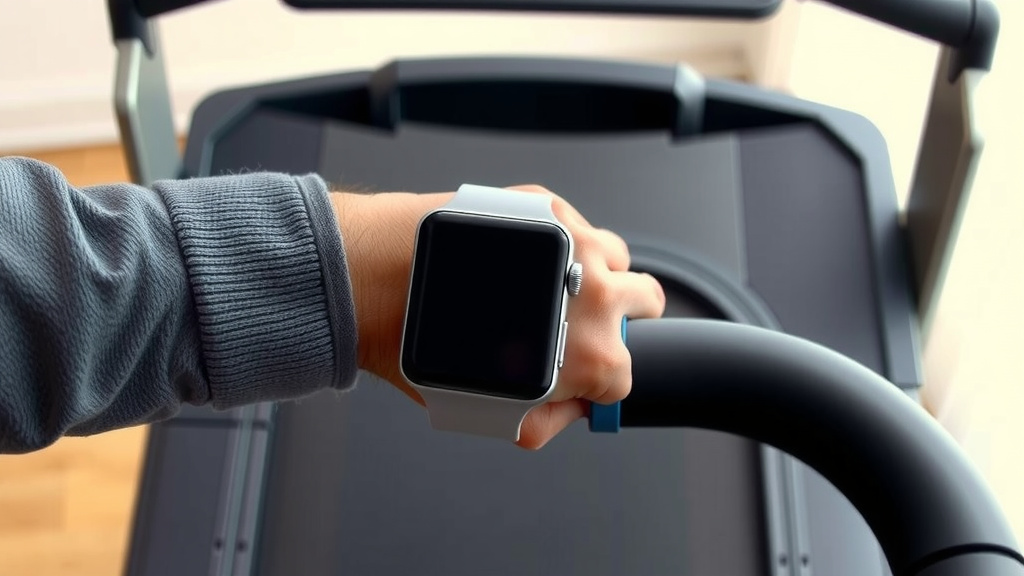
As mentioned, holding onto the rails can affect data. If your hands are fixed, the arm swing contribution is reduced. Your Apple Watch compensates by relying more heavily on the accelerometer data from your wrist. We found that the difference in step count is usually minimal, but for the most precise readings, try to minimize gripping the rails. Let your arms move naturally as much as the treadmill allows.
How to Optimize Your Step Counting
Want to get the most accurate step count possible from your Apple Watch on the treadmill? Here are a few simple tips.
Start with a Warm-up
Begin your workout with a brief warm-up at a moderate pace. This allows your watch to get a clear read on your typical stride rhythm. It helps the algorithms calibrate to your movement early on. A gentle start makes for a more reliable tracking session.
Maintain a Steady Cadence
Try to keep your pace as consistent as possible throughout your workout. Avoid sudden bursts of speed followed by abrupt slowdowns if your goal is precise step tracking. A smooth, flowing rhythm is best. This predictability helps the watch’s sensors confirm each step.
Check Your Watch Fit
Ensure your Apple Watch is snug on your wrist. It shouldn’t be too tight to be uncomfortable, but it shouldn’t slide around either. A secure fit allows the sensors to accurately detect the subtle movements of your body. A loose watch can lead to missed steps or false positives.
Use the Workout App
Always start a treadmill workout by selecting “Treadmill Run” or “Treadmill Walk” from the Workout app on your Apple Watch. This tells the watch you’re on a treadmill and helps it optimize its tracking algorithms. It primes the watch to expect that specific type of motion. Many users report better results this way.
Consider Other Metrics
While steps are great, remember that your Apple Watch tracks much more. It also monitors heart rate, calories burned, and workout duration. These metrics provide a well-rounded view of your fitness. Don’t fixate solely on step count; look at the overall picture of your effort.
A Quick Checklist for Treadmill Step Accuracy
Here’s a simple rundown to keep your treadmill step counts on track:
- Ensure your Apple Watch is snug.
- Start with a steady warm-up pace.
- Try to maintain a consistent speed.
- Use the “Treadmill Run/Walk” workout setting.
- Minimize gripping the treadmill rails if possible.
- Focus on the overall workout data, not just steps.
Conclusion
So, your Apple Watch is quite adept at tracking your treadmill steps by focusing on your body’s rhythmic motion, not just arm swings. We’ve seen that the accelerometer is the star player here, detecting the consistent cadence of your workout. By keeping your pace steady, ensuring a snug watch fit, and using the Workout app, you can help your watch provide a more accurate step count. Remember, while steps are a useful metric, they’re just one piece of the puzzle. Use this knowledge to get the most out of your treadmill sessions and monitor your overall fitness progress. Keep moving, and enjoy your workouts!
Frequently Asked Questions
Will my Apple Watch count steps if I’m holding onto the treadmill rails?
Yes, your Apple Watch can still count steps even if you’re holding onto the rails. It relies more on the rhythmic motion of your legs and torso than arm swings. While your arm movement might be less, the watch’s sensors are designed to detect your core body’s cadence to register steps.
Does the type of treadmill affect my Apple Watch’s step count?
Generally, the type of treadmill doesn’t significantly impact your Apple Watch’s step count. The watch measures your body’s motion, not the machine’s. While a very bouncy treadmill *could* theoretically add minor false data, this is uncommon and usually doesn’t alter the overall accuracy much.
How does my Apple Watch know if I’m running or walking on the treadmill?
Your Apple Watch uses the accelerometer to detect the speed and intensity of your movement. When you start a “Treadmill Run” or “Treadmill Walk” workout, it optimizes its algorithms for that specific pace. The rhythm and cadence of your steps help differentiate between running and walking.
Why is a consistent pace important for treadmill step tracking?
A consistent pace helps your Apple Watch’s algorithms accurately identify your steps. The sensors look for a predictable rhythm, like a metronome beat. Sudden changes in speed can sometimes confuse the sensor, making it harder to confirm each step precisely. Maintaining a steady cadence improves reliability.
Should I start a workout on my Apple Watch every time I use the treadmill?
Yes, you should always start a treadmill workout using the Workout app on your Apple Watch. Selecting “Treadmill Run” or “Treadmill Walk” tells the watch you’re on a treadmill. This helps it adjust its tracking algorithms for that specific environment and motion, leading to more accurate results.