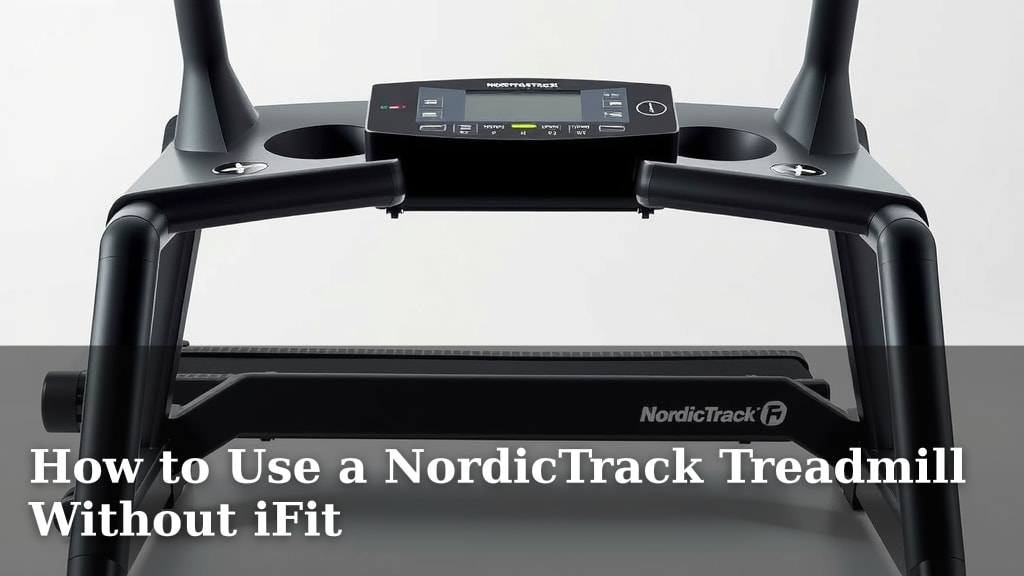
How to Use a NordicTrack Treadmill Without iFit
Yes, you can absolutely use your NordicTrack treadmill without an iFit subscription. While iFit offers interactive workouts, your treadmill has built-in manual modes and preset programs you can use. You don’t need any subscription to get a great workout on your machine.
Many treadmill owners prefer to run without the guided classes. You might want more control over your pace and incline, or simply prefer your own music or podcasts. We found that understanding your treadmill’s basic functions is key to enjoying it, subscription or not.
- You can use manual mode for full control.
- Your treadmill has preset workout programs.
- Connect your own devices for entertainment.
- Check your machine’s specific buttons.
Let’s walk through exactly how to operate your NordicTrack treadmill without iFit, step by step.
It’s a common question: Can I actually use my fancy NordicTrack treadmill without signing up for that monthly iFit membership? You’ve probably looked at the big screen and wondered if it’s just a fancy, expensive paperweight without the subscription. We’re here to tell you: you absolutely can get a fantastic workout without iFit!
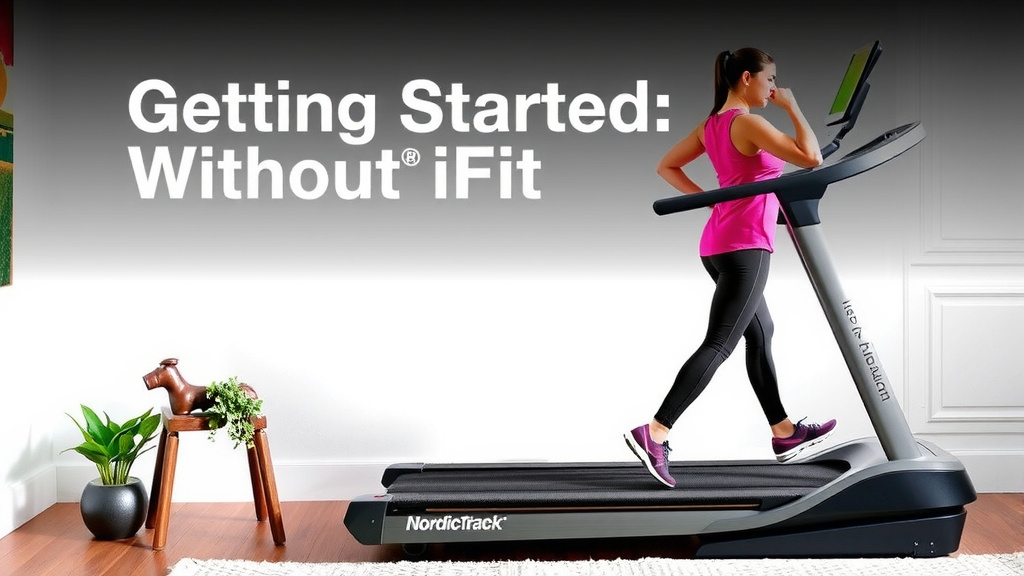
Getting Started: Your NordicTrack Treadmill Manual Mode
Think of manual mode as your treadmill’s “default setting.” It’s the most straightforward way to get moving. You’re in complete control here. We found this is the best option if you just want to hop on and go. No complicated menus or class selections needed.
Finding and Activating Manual Mode
Your treadmill likely has a button labeled “Manual” or “Quick Start.” Sometimes, you just need to press and hold a button for a few seconds. It might even start in manual mode by default if no iFit workout is active. We recommend checking your treadmill’s user manual if you’re unsure. But generally, it’s quite intuitive.
Once activated, you’ll typically see a basic display showing your speed, time, distance, and calories burned. You can then manually adjust your speed and incline using the arrow buttons or quick-select keys. This gives you the freedom to change things on the fly. You can speed up for a sprint or slow down for a cool-down whenever you wish.
Manually Adjusting Speed and Incline
Speed controls are usually clearly marked with plus and minus signs or up and down arrows. The incline controls work the same way. You can usually set your desired incline level from 0% to 10% or even higher, depending on your model. This allows you to simulate hills and make your workout more challenging.
We found that many users prefer manual mode because it allows for spontaneous workout changes. If you feel like pushing yourself harder, just increase the speed. If you need a break, simply slow it down. It’s like having an open road ahead of you.
Exploring Your Treadmill’s Built-In Workout Programs
Did you know your NordicTrack likely comes with several pre-programmed workouts? You don’t need an iFit subscription to access these. They are designed by fitness professionals to help you achieve specific goals. Think of them as ready-made routines that take the guesswork out of your session.
How to Access Preset Programs
Look for a button labeled “Program,” “Workout,” or a similar term. You might see a list of workout types on the console or a screen menu. Common program categories include:
- Weight Loss: Designed to burn calories efficiently.
- Interval Training: Alternates between high and low intensity.
- Performance: Helps improve speed and endurance.
- Incline Training: Focuses on building leg strength and simulating hills.
Simply select the program that fits your fitness goals. The treadmill will then automatically adjust the speed and incline for you throughout the workout. This can be a great way to add variety and structure to your routine.
Understanding How Preset Programs Work
Each preset program is designed with specific phases. You’ll experience periods of increased speed, reduced speed, and incline changes. The console will usually display the current phase and how much time is remaining. We found this can be really motivating! It’s like having a coach guiding you through different stages of your run.
For example, an interval program might start with a warm-up, then increase speed for a set time, followed by a recovery period at a slower pace. This cycle repeats. You can usually see the upcoming changes on the display, so you know what to expect. This helps you prepare mentally and physically for the next segment.
Entertainment Options Without iFit
One of the big draws of iFit is the entertainment and guided classes. But what if you prefer your own playlist or want to catch up on a podcast? Your NordicTrack still has you covered!
Connecting Your Devices
Most NordicTrack treadmills have a device shelf or holder. This is perfect for placing your smartphone or tablet. You can then use your own apps for music, podcasts, audiobooks, or even streaming video. Some models may also have Bluetooth speakers you can connect to your device.
Check your console for a USB port. Some models allow you to charge your device while you work out. This is super convenient so you don’t run out of battery mid-session. We found that having your own entertainment makes longer runs feel much shorter.
What to Watch or Listen To
The possibilities are endless! You can create your own workout playlists on Spotify or Apple Music. Catch up on your favorite podcasts from NPR or Serial. Listen to an audiobook while you log your miles. Or, if your tablet is secure, you can even watch your favorite shows on Netflix or YouTube.
Some users find it helpful to have a structured routine for their entertainment, too. Maybe Monday is “Podcast Day,” and Friday is “Upbeat Music Day.” We found that planning your entertainment can add another layer of motivation to your workouts.
A Quick Checklist for Non-iFit Treadmill Use
Ready to get started? Here’s a simple checklist to ensure you’re all set:
- Familiarize yourself with your console buttons. Know where the manual, speed, and incline controls are.
- Locate the device shelf and ensure it’s stable for your phone or tablet.
- Download your favorite entertainment apps or playlists beforehand.
- Consider a workout structure if you prefer guidance without classes.
- Check for a USB charging port if you plan extended use.
- Always refer to your user manual for model-specific features.
Using your NordicTrack treadmill without iFit is not just possible; it can be just as effective and enjoyable. You have the power to tailor your workout precisely to your needs and preferences.
Conclusion
You’ve learned that your NordicTrack treadmill is fully functional and ready for your workouts, even without an iFit subscription. You have complete control using manual mode or can benefit from the variety of built-in preset programs. Plus, you can easily bring your own entertainment to make every session enjoyable. Your treadmill is a powerful tool designed to help you reach your fitness goals, on your terms. Now, hop on and get moving with confidence – your best workout awaits!
Frequently Asked Questions
What happens if my NordicTrack treadmill screen is blank without iFit?
If your screen is blank, it might be in sleep mode. Try pressing any button to wake it up. If it remains blank, check your power cord and ensure the treadmill is plugged in securely. Some models might require a brief reset.
Can I use my own heart rate monitor with my NordicTrack treadmill without iFit?
Yes, many NordicTrack treadmills support external heart rate monitors, often via Bluetooth or ANT+. You’ll typically need to pair your monitor through your treadmill’s console settings. This allows you to track your heart rate during any workout mode.
Will my treadmill automatically adjust speed and incline for built-in programs?
Absolutely. When you select a built-in program, the treadmill is designed to automatically change the speed and incline according to the program’s design. You can usually see the upcoming changes on the display.
Is it possible to save custom workouts on my NordicTrack without iFit?
Most NordicTrack treadmills do not allow you to save entirely custom workouts directly onto the machine without iFit. However, you can achieve a similar result by using manual mode and making notes of the speed and incline settings you enjoy for future reference.
How do I update my NordicTrack treadmill’s software if I’m not using iFit?
Some NordicTrack treadmills may still receive firmware or software updates even without an active iFit subscription. Check your console settings for an update option, or refer to your user manual for instructions on how to check for and install updates, which often requires a Wi-Fi connection.