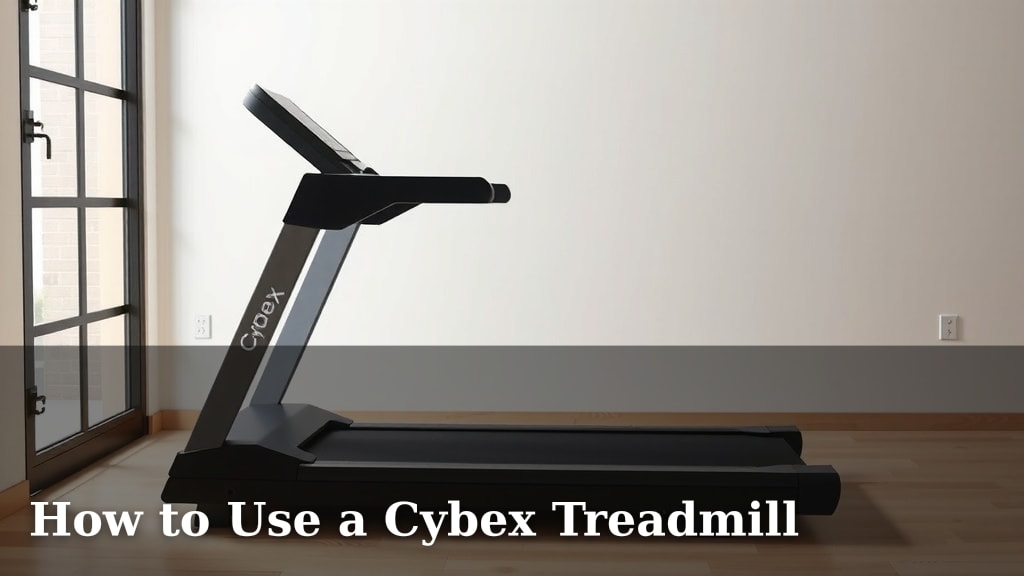
How to Use a Cybex Treadmill
Getting started with your Cybex treadmill is straightforward. You can use it by simply pressing the start button and selecting your desired workout. Most Cybex treadmills feature an intuitive console for easy navigation. You’ll be walking or running in no time!
Understanding your Cybex treadmill’s controls means you can personalize your fitness journey. From adjusting speed and incline to tracking your progress, the console is your command center. Many users find the pre-set programs a great way to add variety. We found these programs help keep workouts engaging.
- Press the start button to begin.
- Use the speed and incline controls to adjust your workout.
- Select pre-set programs for variety.
- Monitor your workout stats on the display.
Let’s walk through exactly how to operate your Cybex treadmill, step by step, so you can get the most out of every session.
Getting Started on Your Cybex Treadmill
So you’ve got your Cybex treadmill ready to go! It’s time to lace up your shoes and get moving. We’ve found that the initial setup and first steps are designed to be super user-friendly. You’re just a few presses away from a great workout.
Your First Steps: Powering Up and Getting Moving
First things first, locate the power button. It’s usually on the console or sometimes a switch at the base of the machine. Once it’s on, the console will light up. You’ll likely see a ‘Start’ button. Give that a press!
As soon as you hit start, the treadmill belt will begin to move. Many users are surprised by how fast it starts. It usually begins at a slow walking pace, often around 1 mph. This gives you a moment to get your footing and adjust to the motion.
Finding Your Pace
Now that you’re moving, it’s time to find your perfect speed. Look for the speed controls on the console. These are typically clearly marked with ‘+’ and ‘-‘ signs or up and down arrows. Pressing these will gradually increase or decrease your speed.
We recommend starting slow and increasing your speed in small increments. It’s like easing into a conversation, not shouting your first word. Listen to your body. If you feel comfortable and can hold a conversation, you’re likely in a good aerobic zone (CDC).
Understanding the Console: Your Workout Command Center
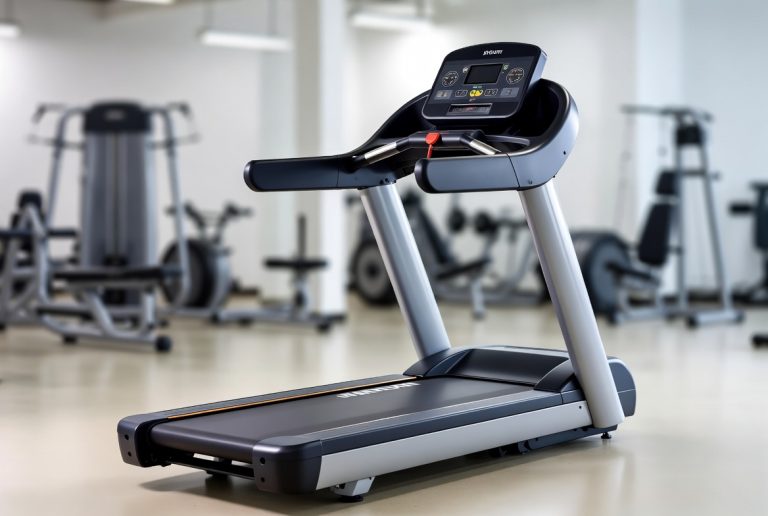
The console is where all the magic happens. Think of it as your personal dashboard. It displays all the important workout metrics. This includes things like speed, time elapsed, distance covered, and calories burned. Some models also show your heart rate.
Key Display Features
Take a moment to scan the console. You’ll see buttons for speed and incline adjustments. There are also buttons to select different workout programs. Don’t be afraid to press them! Most Cybex treadmills have a clear layout.
We found that understanding these basic readouts helps keep you motivated. Seeing your progress in real-time makes a big difference. It’s like watching your favorite show tick by – you want to see what happens next!
Customizing Your Workout: Speed and Incline
One of the best parts of using a treadmill is the ability to control your environment. You can mimic a gentle stroll or a challenging climb. This flexibility is key to effective training.
Adjusting Speed on the Fly
As we mentioned, speed controls are usually straightforward. You’ll find buttons clearly marked for increasing or decreasing speed. Some higher-end models might even have quick-select buttons for common speeds like 3 mph or 6 mph. This can be a real time-saver.
Think of speed adjustments as changing gears in a car. A slight increase can turn a brisk walk into a light jog. A bigger jump might signal the start of an interval training session. Always make these changes gradually to avoid losing your balance.
Mastering the Incline
The incline feature is fantastic for adding intensity without needing to increase speed. It’s like walking or running uphill. This engages different leg muscles and can significantly boost your calorie burn. Many fitness guidelines suggest incorporating incline for improved cardiovascular health (NIH).
Find the incline controls on your console. They work much like the speed controls, usually with ‘+’ and ‘-‘ or arrow buttons. Start with a small incline, perhaps 1-2%. See how that feels before going higher.
Benefits of Incline Training
Increasing the incline can make a huge difference in your workout. Even a few percent can feel like a substantial change. It’s great for building leg strength and improving endurance. Plus, it adds variety, so your body doesn’t get too used to the same old routine.
Exploring Cybex Treadmill Programs
Cybex treadmills come equipped with various pre-set programs. These are designed to guide your workout and add an element of surprise. They can help you achieve specific fitness goals.
How to Select a Program
To access the programs, look for a button labeled ‘Program,’ ‘Workout,’ or similar. Once you press it, you’ll likely see a list of options on the console display. Use the arrow keys to scroll through them.
Some common programs include:
- Manual: This is your basic go-anywhere mode, where you control everything.
- Hill Climbs: Programs that vary the incline to simulate hills.
- Interval Training: Alternates between high and low intensity periods.
- Heart Rate Control: If your treadmill has a heart rate monitor, this program adjusts speed and incline to keep you in a target heart rate zone.
- Fat Burn: Typically designed for longer, moderate-intensity workouts.
Choosing the Right Program for You
Which program should you choose? It really depends on your goals and fitness level. If you’re just starting, the manual mode is perfect. You can get comfortable with the controls at your own pace.
For those looking to challenge themselves, interval or hill programs can be excellent. We found that users often stick with one or two favorite programs and cycle through them. It’s about finding what works and keeps you engaged.
Essential Treadmill Safety Tips
Safety is always important when using any exercise equipment. Treadmills, while convenient, do have moving parts that require your attention. Following a few simple guidelines can ensure a safe and effective workout.
Before You Step On
Always make sure the treadmill is on a stable, level surface. Check that there are no obstructions around the machine. Ensure the power cord is not a tripping hazard. These simple checks prevent many common issues.
During Your Workout
When you start the belt, stand on the side rails. Wait for the belt to reach a comfortable walking speed before stepping onto it. Never try to start the treadmill from a standstill while standing on the belt. This can lead to falls.
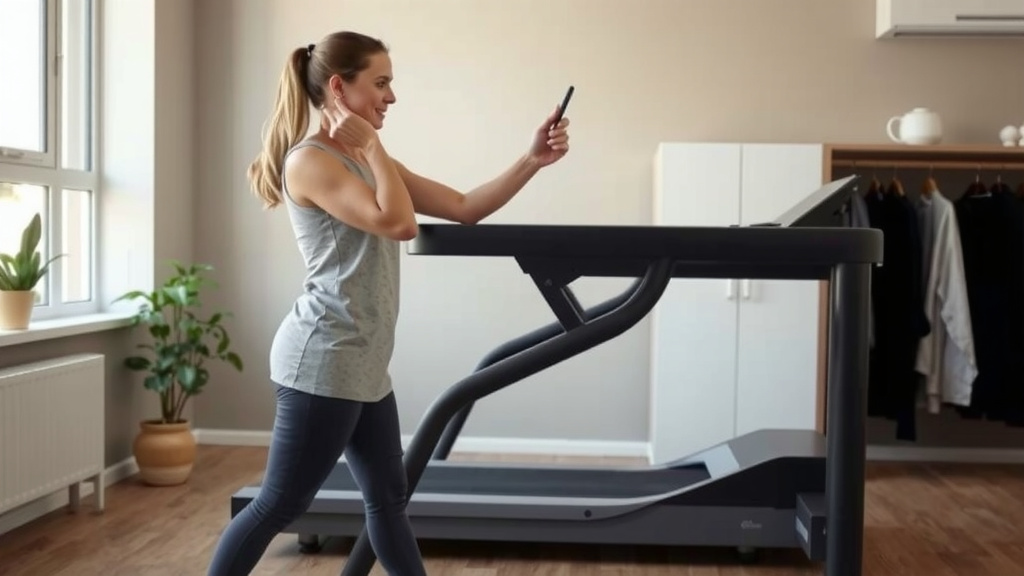
Keep your phone, keys, and any other personal items in the console’s holder. Avoid letting them fall onto the belt, as they can get caught. Stay aware of your surroundings and your own physical state. If you feel dizzy or unwell, use the safety clip or press stop.
Using the Safety Clip
Most Cybex treadmills come with a safety clip. This is a cord with a clip on one end and a magnetic piece on the other. Attach the clip to your clothing and the magnetic piece to the designated spot on the console. If you should slip and fall, the clip detaches, and the treadmill automatically stops.
We found that many users don’t always use the safety clip, but it’s a smart addition, especially if you’re trying a new program or increasing speed. It’s like wearing a seatbelt in a car – a simple precaution that offers peace of mind.
After Your Workout
When you’re finished, don’t just jump off. Slow the treadmill down gradually to a very slow speed. Once the belt has stopped completely, you can step off. Then, press the power button to turn off the machine.
Quick Treadmill Checklist:
- Confirm treadmill is on a stable surface.
- Attach the safety clip to your clothing.
- Start the belt before stepping on.
- Adjust speed and incline gradually.
- Monitor your workout stats.
- Slow down before stepping off.
Conclusion
You’re now equipped to confidently use your Cybex treadmill. You’ve learned how to power it up, find your ideal pace, and control speed and incline. We’ve also shown you how to explore built-in programs for varied workouts and highlighted important safety measures. Remember to always use the safety clip for peace of mind. Your next step is to jump on your treadmill and try out one of the pre-set programs. Enjoy your journey to a fitter you!
Frequently Asked Questions
What should I do if the treadmill belt stops suddenly?
If the treadmill belt stops unexpectedly, stay calm. First, ensure the safety clip is still attached if you were using it. Then, check if the power cord is securely plugged in. If these simple checks don’t resolve the issue, consult your Cybex treadmill’s manual or contact customer support.
Can I use my Cybex treadmill if I’m a complete beginner?
Absolutely! Cybex treadmills are designed to be user-friendly for all fitness levels. We recommend starting with the manual mode at a slow walking pace. This allows you to get comfortable with the speed and incline controls before trying more advanced programs.
How often should I clean my Cybex treadmill?
Regular cleaning keeps your treadmill running smoothly. We suggest wiping down the console and the deck area after each workout to remove sweat. A more thorough cleaning of the belt and motor covers can be done weekly or bi-weekly, depending on usage.
My Cybex treadmill is making a strange noise. What could be the problem?
Unusual noises can stem from a few sources. It might be that the belt needs lubrication or tightening, or perhaps the motor requires attention. Check your treadmill’s manual for troubleshooting steps regarding noises, or consider reaching out to a service technician.
Is it safe to stand on the treadmill while it’s on but not moving?
While the treadmill is on, it’s safest to wait for the belt to start moving at a slow, comfortable pace before stepping on. Always stand on the side rails initially. Avoid starting the belt from a standstill while your feet are already on the moving belt.