How Does iFit Work on a Treadmill?
iFit works on your treadmill by connecting wirelessly to your machine. This allows it to **control your treadmill’s speed and incline**. You can also enjoy **interactive workouts and global trails**. It’s designed to make your home workouts feel like you’re right there with a trainer.
Think of iFit as your personal digital trainer. It uses a subscription service to give you access to a huge library of workouts. These aren’t just basic routines; they’re filmed in stunning locations worldwide. You’ll find live classes and on-demand sessions too. It’s a way to keep your treadmill **training fresh and exciting**.
- iFit connects wirelessly to your treadmill.
- It automatically adjusts speed and incline.
- Access thousands of interactive global workouts.
- Follow trainers through real-world routes.
- Keep your fitness journey engaging and fun.
Let’s dive into how this amazing technology enhances your treadmill experience. We’ll cover exactly what you need to know.
Understanding How iFit Connects and Controls Your Treadmill
So, you’re curious about how iFit actually works its magic on your treadmill. It’s simpler than you might think! iFit uses wireless technology to communicate directly with your compatible treadmill. This connection is what allows for those amazing interactive workouts. You don’t need to worry about manually changing your speed or incline anymore. iFit does it for you!
The Wireless Connection: The Heartbeat of iFit
At its core, iFit relies on a stable wireless connection. This usually happens via your home’s Wi-Fi network. Your treadmill, equipped with iFit technology, syncs up. It then talks to the iFit servers. Think of it like your smart TV connecting to Netflix. The treadmill receives instructions from the iFit platform. This communication is near-instantaneous. It ensures smooth transitions during your workouts. Without this connection, the interactive features wouldn’t be possible. You’d be back to manually adjusting settings.
Automatic Speed and Incline Adjustments: Your Personal Pace Setter
This is where iFit truly shines. When you select a workout, iFit automatically adjusts your treadmill’s speed and incline. Are you running through the Swiss Alps? iFit will simulate the uphill climb. Is the trainer picking up the pace for a sprint? Your treadmill will match it instantly. This feature is a **huge motivation booster**. It keeps you engaged in the moment. Research shows that varying intensity can improve fitness outcomes (American College of Sports Medicine). iFit takes the guesswork out of interval training. It helps you push your limits safely. You can always override these adjustments if needed. But most users find the automatic control incredibly effective. It makes you feel like you’re truly part of the workout.
What Makes iFit Compatible?
Not all treadmills have iFit built-in. You need a treadmill that is specifically designed to be iFit compatible. Many major treadmill brands offer models with iFit integration. These machines have the necessary hardware and software. They allow for that two-way communication with the iFit platform. You’ll usually see an iFit logo or mention when purchasing. If you’re unsure, check your treadmill’s manual or the manufacturer’s website. Sometimes, older treadmills might be upgraded with an iFit module. This can add smart features to your existing machine.
Exploring the World of iFit Workouts
Once connected, you get access to a massive library of workouts. These aren’t your typical gym routines. iFit offers a diverse range of training experiences. You can find everything from high-intensity interval training to gentle walking tours. The goal is to keep your fitness journey **fresh, exciting, and personalized**.
Global Trail Workouts: Run Anywhere, Anytime
One of iFit’s most popular features is its global trail workouts. These are immersive running and walking experiences. They are filmed on location around the world. Imagine running along the beaches of Hawaii. Or perhaps you prefer to conquer the trails of New Zealand. The video footage streams to your treadmill’s console. As you walk or run, the video moves with you. Your treadmill’s incline and speed will mirror the actual terrain shown. It’s the closest you can get to traveling the world from your living room. Many studies highlight the mental benefits of exercise in nature (The Lancet). iFit brings that aspect of nature right into your home. It provides a **powerful mental escape** during your workouts.
Live and On-Demand Classes: Train with Expert Coaches
Beyond global trails, iFit offers a vast collection of studio-style classes. These are led by certified personal trainers. You can join live classes happening in real-time. Or, you can choose from thousands of on-demand workouts. These classes cover a wide range of disciplines. You’ll find cardio, strength training, yoga, and more. The trainers provide motivation, form correction, and expert guidance. This adds a **human element** to your home workouts. It helps you feel connected to a community. Many fitness professionals agree that having a trainer improves accountability and results (National Academy of Sports Medicine). iFit brings that expert coaching directly to you.
Personalized Training Programs: Tailored for Your Goals
iFit isn’t just about individual workouts. It also offers structured training programs. These are designed to help you achieve specific fitness goals. Are you training for a 5K race? Or maybe you want to lose weight? iFit has programs for almost every objective. These programs typically span several weeks. They gradually increase in intensity and duration. This progressive overload is key to **building strength and endurance** over time. The platform tracks your progress. It can even recommend workouts based on your past performance. This personalized approach makes your fitness journey more efficient.
Setting Up and Using Your iFit-Equipped Treadmill
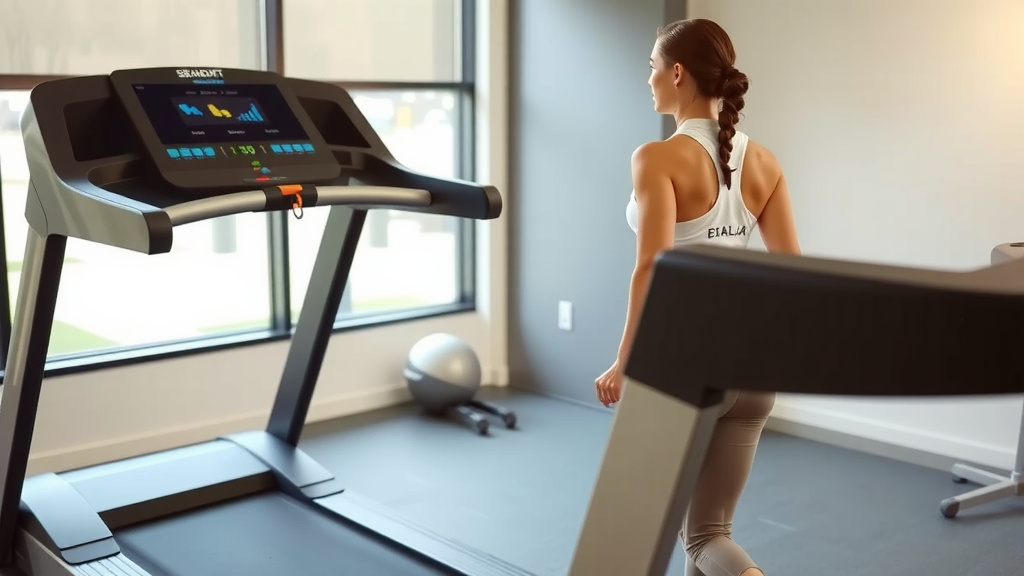
Getting started with iFit on your treadmill is pretty straightforward. You’ll need to create an iFit account and connect your machine. Once that’s done, navigating the system is intuitive.
Initial Setup and Wi-Fi Connection
When you first set up your iFit treadmill, you’ll be prompted to connect to your home Wi-Fi. Follow the on-screen instructions. You’ll need your Wi-Fi network name and password. After connecting, you’ll create or log in to your iFit account. This links your treadmill to your profile. It also allows the machine to download the latest software updates. A stable internet connection is essential for the **best performance**. It ensures smooth video streaming and real-time data syncing.
Navigating the iFit Console
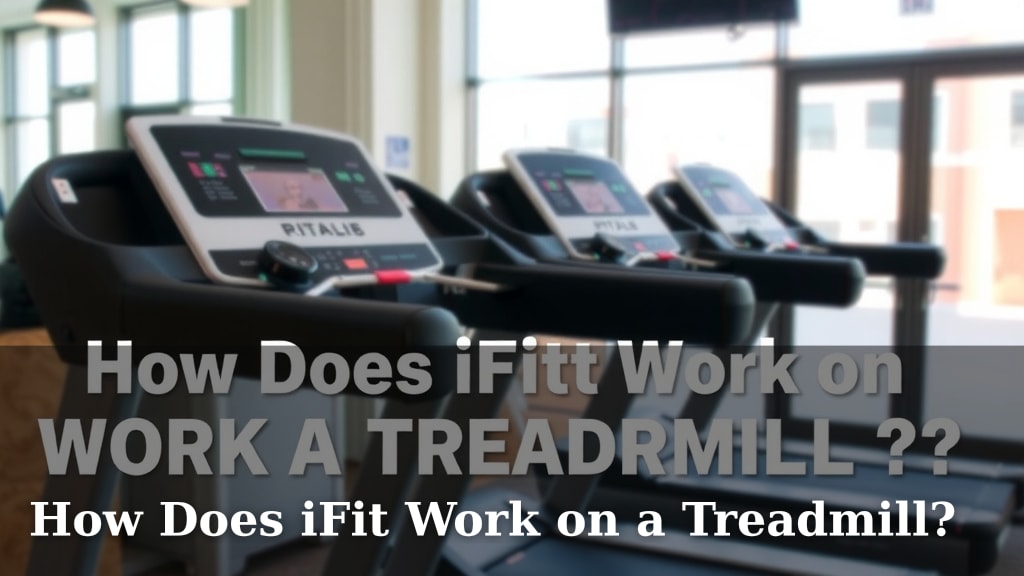
The treadmill’s console or touchscreen is your interface with iFit. You can browse workout libraries, view trainer profiles, and track your stats. The interface is generally user-friendly. You can filter workouts by type, duration, trainer, or location. It’s easy to find something that matches your mood or fitness level. You can also view your workout history. This helps you see how far you’ve come. Many users appreciate the **clear and organized layout** of the console.
Creating Your Workout Profile
When you set up your iFit account, you’ll create a personal profile. This includes details like your age, weight, and fitness goals. iFit uses this information to personalize your experience. It can recommend workouts tailored to your needs. It also helps in tracking your progress more accurately. The more information you provide, the better iFit can serve you. It’s like having a virtual coach who knows your history.
Here’s a quick checklist for getting the most out of iFit:
- Ensure your treadmill is iFit compatible.
- Connect your treadmill to your home Wi-Fi.
- Create or log in to your iFit account.
- Explore different workout types and trainers.
- Set up your personal profile for recommendations.
- Check for software updates regularly.
Understanding Your Subscription Options
iFit operates on a subscription model. There are different membership tiers available. These typically include individual and family plans. A family plan allows multiple users to share the account. Each person can have their own profile and track their own progress. The cost varies depending on the plan you choose. You can usually find detailed pricing on the iFit website. A subscription is required to access the full library of workouts and features. Research from market analysis firms shows that subscription-based fitness models are **highly popular and effective**.
Conclusion
You’ve now seen how iFit transforms your treadmill workouts. It connects wirelessly to control your speed and incline automatically. This makes training feel more dynamic and engaging. With global trails and live classes, your fitness journey stays exciting. Remember to ensure your treadmill is compatible and set up your profile. Your subscription unlocks a world of guided training. Take that first step today by exploring the iFit console on your machine. You’re ready to make your workouts more effective and fun!
Frequently Asked Questions
Can I use iFit on any treadmill?
No, you need an iFit-compatible treadmill. These machines have the built-in technology for wireless communication. Check your treadmill’s specifications or manual to see if it supports iFit.
Do I need a subscription to use iFit?
Yes, a subscription is required to access the full library of iFit workouts and features. You can choose from individual or family plans. Pricing details are available on the iFit website.
What happens if my Wi-Fi goes out during a workout?
If your Wi-Fi connection is lost, iFit might lose its ability to automatically control your treadmill. You can typically continue your workout manually. However, interactive features like video streaming may stop working.
Can I override the automatic speed and incline changes?
Yes, you can always manually adjust the speed and incline during an iFit workout. This is useful if you need to slow down or change the challenge level. Your manual adjustments will temporarily override iFit’s commands.
How does iFit track my progress?
iFit tracks your progress through your user profile. It records workout duration, distance, speed, and incline changes. This data helps personalize recommendations and track your fitness goals over time.