How Does a Treadmill Calculate Distance?
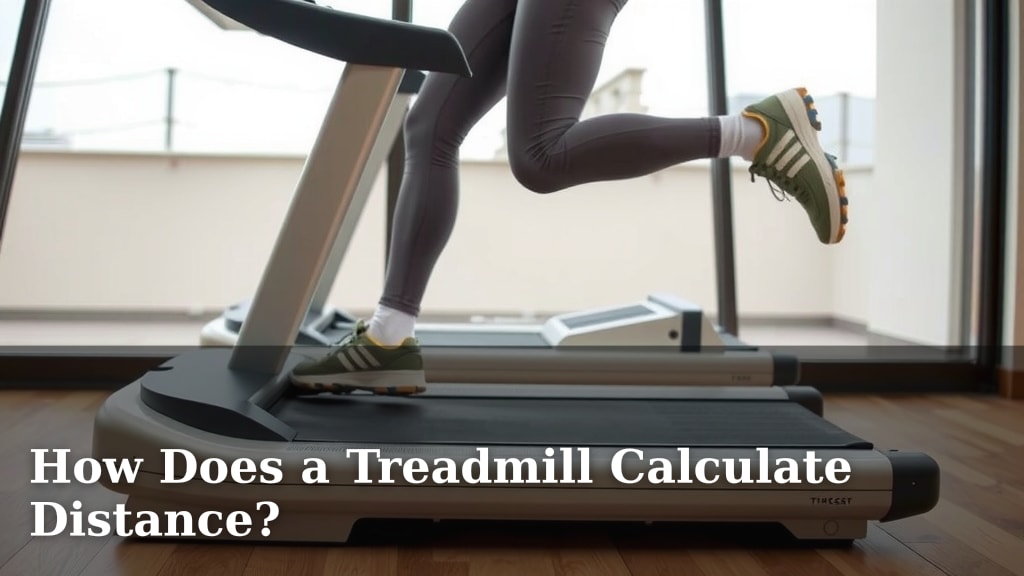
A treadmill calculates your distance by using a speed sensor. This sensor tracks how fast your feet are moving the belt. It then uses your workout time to estimate how far you’ve gone. So, it’s not magic, just a bit of smart math at work!
Have you ever wondered if that treadmill number is accurate? We found that most treadmills rely on basic physics. They measure your speed and multiply it by the time you spend exercising. This gives you a good estimate of your distance covered during your run or walk.
- Treadmills use a speed sensor to track belt movement.
- Your workout time is combined with speed data.
- This calculates an estimated distance.
- It’s a clever way to track your progress.
- Accuracy can vary slightly between models.
Let’s walk through exactly how that little screen on your treadmill figures out your distance, step by step.
Here is the main body content for your blog post.Understanding Your Treadmill’s Distance Tracking
So, you’re on the treadmill, hitting your stride, and you glance at the screen. It tells you you’ve run 3 miles. But how exactly does that little machine know? It’s a common question, and the answer is simpler than you might think. Your treadmill isn’t psychic; it’s using some clever engineering and basic math. We found that the core of this tracking lies in measuring the movement of the belt. This is then combined with other factors to give you that estimated distance. Let’s break down the mechanics behind those treadmill numbers.
The Speed Sensor: The Heart of the Matter
At the very core of your treadmill’s distance calculation is a speed sensor. This is like the treadmill’s heartbeat, constantly monitoring the movement of the belt. Think of it like a tiny speedometer for your treadmill. It’s usually a small device attached to the motor or the roller. Its job is to detect how fast the belt is moving under your feet. This information is absolutely vital for figuring out how far you’re going.
How the Speed Sensor Works
Most treadmills use a magnetic encoder or an optical sensor for this job. When the belt moves, it turns a roller or a wheel. This roller has magnets attached to it, or it’s a wheel with holes. The sensor then detects these magnets passing by, or it sees the light beam being interrupted by the holes. Each time a magnet passes or a hole is detected, it sends a signal. The faster these signals come in, the faster the belt is moving. It’s a really elegant way to turn physical motion into electronic data.
Understanding the Signals
Each pulse or signal from the sensor represents a tiny increment of belt movement. The treadmill’s internal computer counts these pulses. It knows the circumference of the roller or wheel that the sensor is attached to. By knowing how many pulses occur in a given second, and the size of the roller, the treadmill can calculate the belt’s speed. This speed is usually measured in miles per hour (MPH) or kilometers per hour (KPH). This is the first crucial piece of the distance puzzle.
The Role of the Console
The console, that’s the screen you look at, is the brain of the operation. It receives the speed data from the sensor. But speed alone doesn’t tell you distance. You also need to know how long you’ve been moving at that speed. The console is also keeping track of your workout time. It’s constantly updating the speed and time, and then it does a simple calculation.
Calculating Distance: Speed x Time = Distance
This is where the magic (or rather, the physics) happens. The fundamental formula for distance is: distance equals speed multiplied by time. Your treadmill’s computer uses the speed it’s getting from the sensor and the elapsed workout time to calculate your distance. If you’ve been running at 6 MPH for 10 minutes (which is 1/6th of an hour), the math is straightforward: 6 MPH * (1/6) hour = 1 mile. This calculation happens many times a second, so the distance display updates constantly.
Different Treadmill Models, Different Accuracy
Now, it’s important to know that not all treadmills are created equal. The accuracy of the distance calculation can vary. Cheaper or older models might have less precise sensors. Sometimes, the calibration might not be perfect from the factory. This can lead to slight discrepancies between the treadmill’s reading and your actual distance covered. Many experts suggest that higher-end models generally offer more accurate tracking.
Factors Affecting Accuracy
What can throw off the numbers? Well, a few things. If the belt is slipping slightly, the sensor might report a speed that’s a bit different from your actual pace. Also, the initial setup and calibration are key. We found that some users might find their treadmill consistently over- or under-reports distance. This is often due to the internal settings rather than a faulty sensor.
What About Incline?
You might be wondering if the incline setting affects the distance calculation. Generally, the incline does not directly change the speed sensor’s calculation. The sensor is only measuring the speed of the belt itself. However, running on an incline does increase the effort required and burns more calories. Some advanced treadmills might use incline and speed data to estimate calorie burn more accurately, but the base distance calculation usually relies on belt speed and time.
Why Accuracy Matters (and When It Doesn’t)
For many casual users, a small margin of error in distance is perfectly fine. You’re getting a good workout, and the number on the screen provides motivation. However, for serious runners or those training for events like marathons, precise distance tracking is more important. If you find your treadmill consistently seems off, especially when compared to GPS devices or outdoor runs, it might be worth investigating.
Tips for Better Tracking
Here are a few things you can do to help ensure your treadmill is as accurate as possible:
- Check belt tension: A loose belt can slip. Consult your treadmill’s manual for how to check and adjust tension.
- Clean the treadmill: Dust and debris can sometimes interfere with sensors.
- Proper Calibration: Some treadmills have a calibration mode. Refer to your manual for instructions.
- Consider a GPS Watch: For the most precise distance, especially outdoors, a GPS watch is still the gold standard.
- Compare to other machines: If possible, compare the distance on your treadmill to another known-accurate treadmill.
Beyond the Numbers: Focus on Your Effort
While understanding how your treadmill calculates distance is interesting, remember that the most important metric is your effort. Whether the treadmill says you ran 1 mile or 1.05 miles, you still put in the work. Focus on maintaining a consistent pace that challenges you, completing your planned workout duration, and enjoying the exercise. The technology is there to assist and motivate you, but your dedication is what truly drives your fitness progress.
Conclusion
You’ve learned that your treadmill uses a speed sensor, often a magnetic encoder, to measure belt movement. This data, combined with your workout time, is used by the console to calculate your estimated distance. While most treadmills provide a good approximation, factors like belt tension and calibration can affect accuracy. For casual fitness tracking, this is usually sufficient. If you need precise measurements, consider comparing your treadmill’s output with a GPS device. Keep focusing on your effort and consistency to achieve your fitness goals!
Frequently Asked Questions
Are treadmill distance readings accurate?
Treadmill distance readings are generally good estimates, but their accuracy can vary. Higher-end models tend to be more precise than basic ones. Factors like belt slippage, calibration, and the quality of the speed sensor can all influence how closely the treadmill’s number matches your actual distance.
Can I adjust my treadmill’s distance accuracy?
Some treadmills offer a calibration mode that you can access through the console. Always refer to your treadmill’s manual for specific instructions. Ensuring the belt tension is correct and keeping the machine clean can also help maintain better accuracy over time.
How does incline affect distance calculation?
The incline setting itself doesn’t directly change how the treadmill calculates distance. The primary calculation relies on belt speed and time. While climbing an incline increases your effort and calorie burn, the basic distance metric typically only accounts for how fast the belt is moving beneath you.
Is a treadmill distance the same as outdoor running distance?
Not always. Treadmill distance is an estimate based on belt speed, while outdoor distance is usually measured by GPS. Factors like wind resistance, terrain changes, and slight variations in pace can cause differences. Many runners find their treadmill distance is slightly less than what their GPS watch records outdoors for the same perceived effort.
What is the best way to get accurate distance tracking?
For the most accurate distance tracking, especially if you’re training for an outdoor event, a dedicated GPS watch is recommended. You can use your treadmill for its consistent speed and incline control, but compare its distance reading to your GPS data to understand any discrepancies and ensure your training is on track.